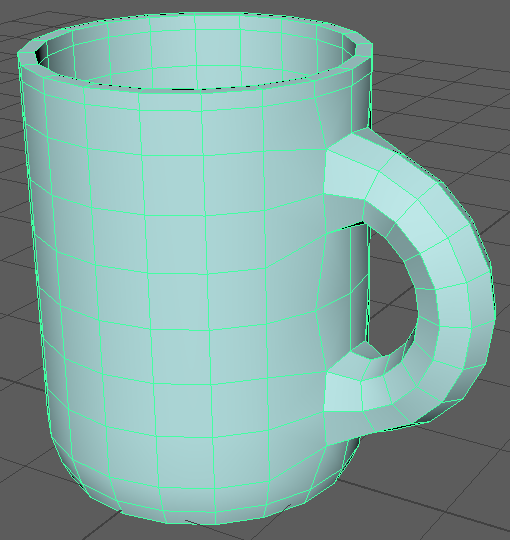
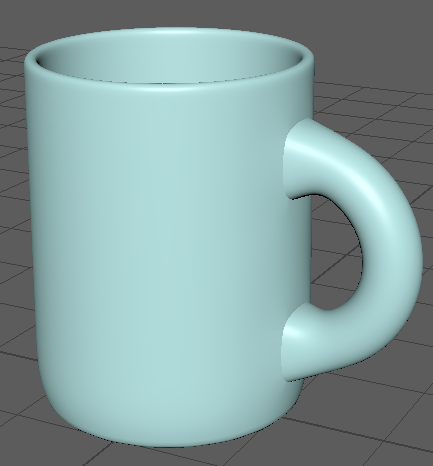
3D Model of a Mug
This 3D model of a mug is my first project with Maya so I decided to use the tutorials provided by the university as a basis to create the model. This is so I could get a feel for the software and start to be confident in using it.
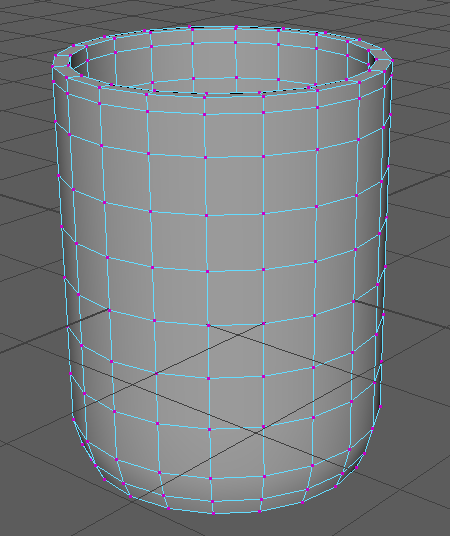
To start the model, I created a cylinder primitive and set the subdivision height to 8 and the subdivision caps to 0. The reason I did this is so it was easier to manipulate the cylinder into a mug shape and to delete the top face of the cylinder.
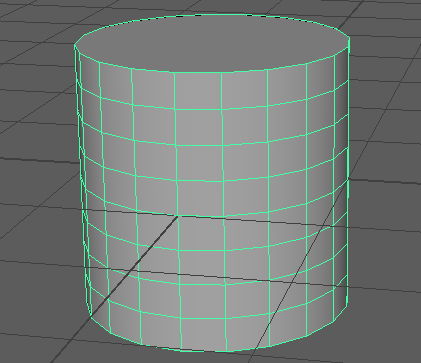
The next step was adding edge loops to the top and bottom of the cylinder so I could edit the shape of the mug to make it look more like a real mug. I also deleted the top face of the cylinder so that the model would start to become a mug.
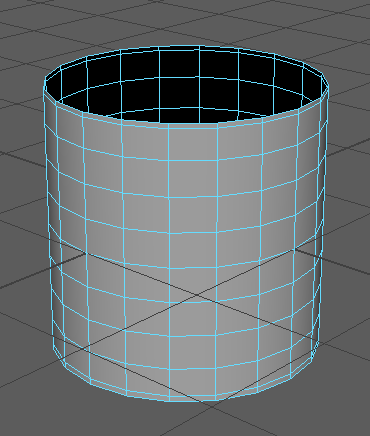
I then used the extrude tool to change the thickness of the model to 0.1. To add a curve to the model I switched to the side view and selected the vertices on all but the bottom part of the model and used the scale tool to bring them out. I then repeated this without the second to bottom layer to improve the curve. After this, I used the scale tool again to lengthen the mug.
To start the handle part of the mug, I added a torus primitive and changed the subdivision height to 8. I had to use the rotate tool to rotate it so that it was at the right angle so that it could be used to make a handle. I then used the face selection to highlight half of the torus and delete it and used the move tool to align it with the mug.
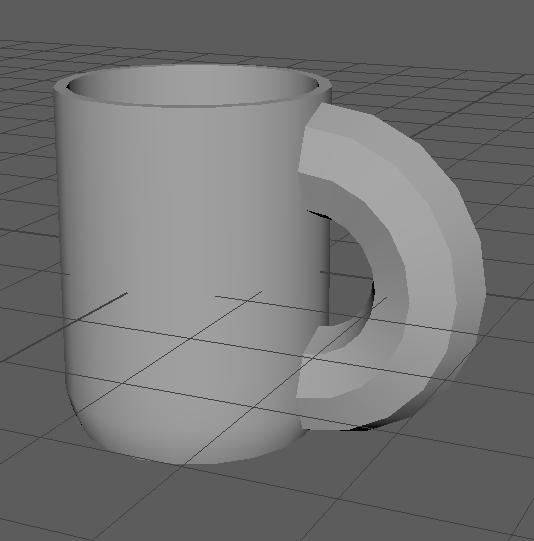
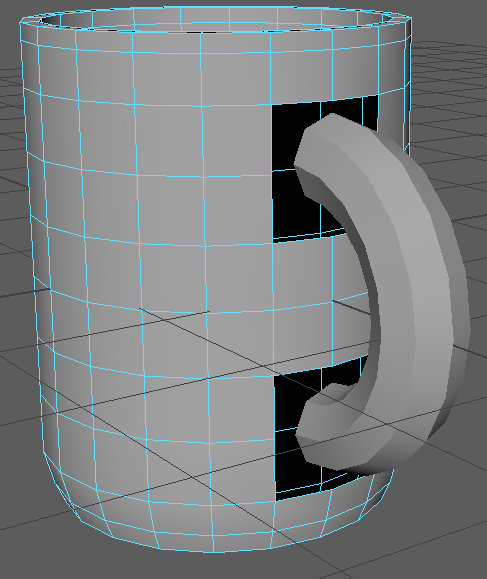
To make the handle look more like an actual mug handle, I edited the radius and section radius properties of the torus so that it was thinner and had more space for a hand. The next thing I needed to do was attach the handle to the mug and to do this I first had to delete the faces that the handle was touching on the mug. I also had to combine the cylinder and torus so that they became the same object so that there were no errors when attaching the handle to the mug. I selected a vertex on the mug and the top part of the handle and merged them using the merge to center function and then repeated this for the rest of the vertices on the top and then the bottom.
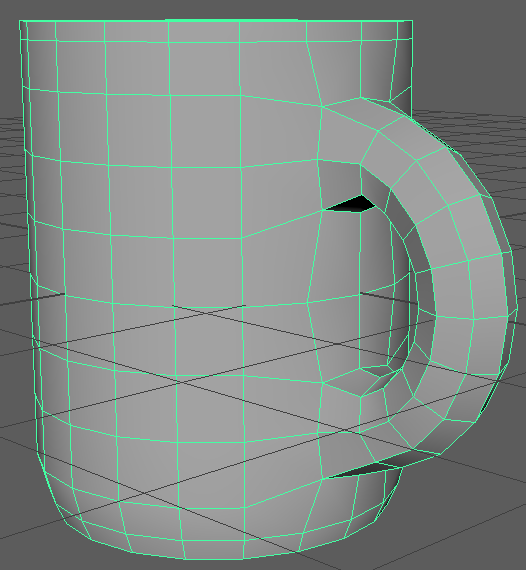
The model of the mug was now complete but I still had to add a material to the mug. To do this I had to select the mug in object mode and then hold right click so I could add a new material to the model. The material I added was called Blinn. I used this material so there was a bit of shine on the model and so I could change the colour of the mug.