Immersive Design 2: Digital Affordance and Considerations

Player Direction

As the project is going to have a 360 degree view for the player, I am going to have to use techniques to lead the player’s view to what I want them to see. The way I plan to do this throughout my experience is through the use of 3D audio and light. I will use these in tandem to get a better result in getting the player to look the right way. The audio will cause the player to look in the right direction and the use of light will keep them focused on where the next thing will happen so they manage to follow along with what is happening. However, I will allow for segments in which the player can get their bearings with the different environments so they are able to see most of them mitigating any fear of missing out on parts of the animation.
Navigation

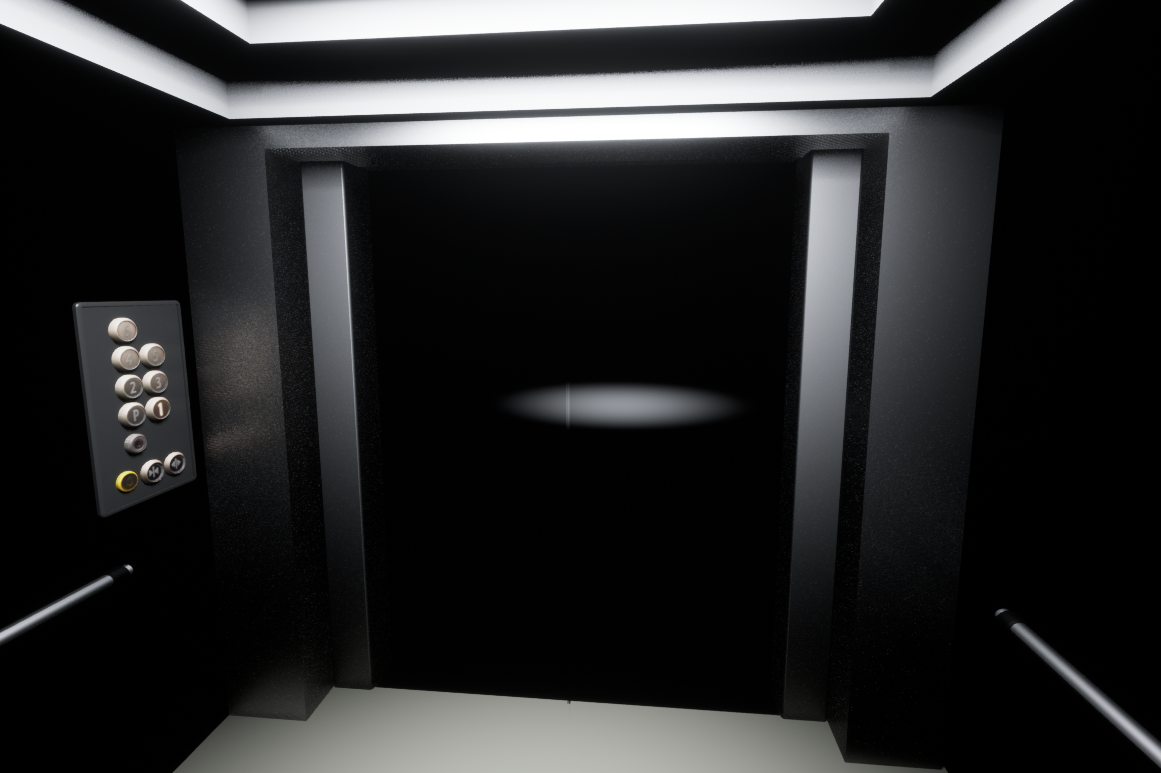
My project idea makes the issue of navigation within VR not a big problem as the player is mainly going to be stationary within the elevator. The segment in which the player enters the elevator will make use of a fade to black transition as moving the player in a 360 experience like this could cause motion sickness as it is very easy to cause a disconnect with what the player is seeing and feeling. Especially because of the lack of interaction the player has with this prototype project as the movement will be completely out of their control and unnatural. Additionally, the 360 view will not take into account the movement because of the project being pre-rendered and not real time which could be very jarring for the player.

Audio

To implement audio how I mentioned before I am going to make use of Adobe Audition to simulate 3D audio for my video. I aim to do this by creating binaural audio from different audio clips timed correctly with my animation. To make this process easier I intend to make use of the dearVR MICRO plugin for Audition which gives greater control over the simulated 3D position of the audio clips.

Embodiment

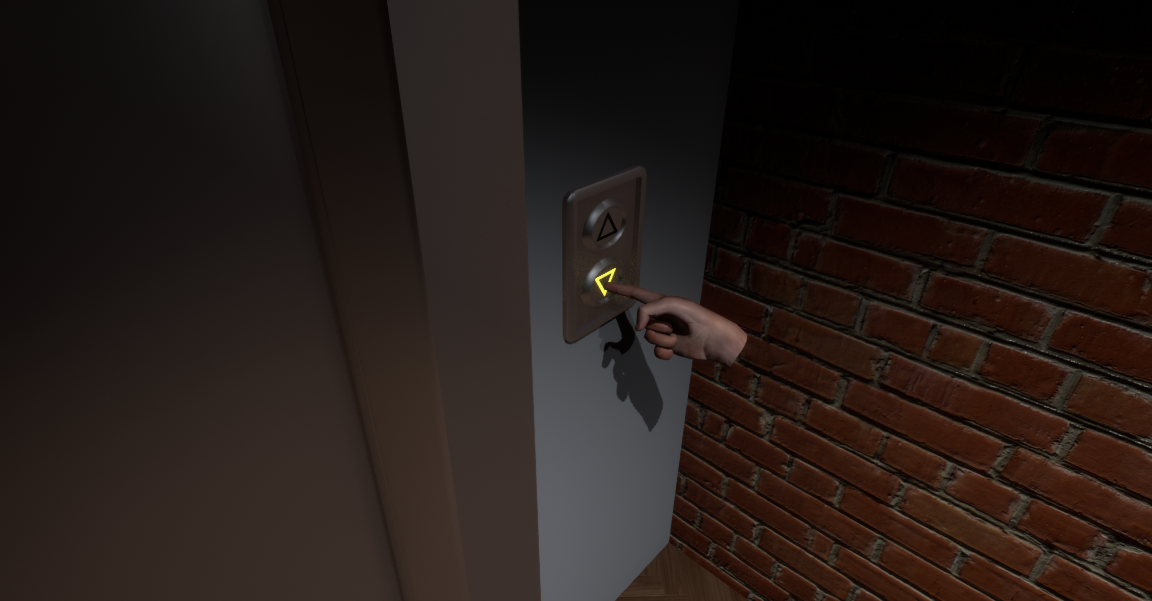
I want this prototype to simulate a playable VR experience. To achieve this I intend to have some segments in which the player’s “hands” show up as if the player is controlling them with VR controllers to interact with the environment or react to the events of my 360 experience. This will be quite limited due to how the prototype functions but I will implement the audio techniques to attempt to make the player see the prototype embodiment. I am only using disembodied hands because attempting to simulate a full body in this prototype render would not work very well with the 360 degree view as the body would only face in one direction. This would make the experience less believable and therefore reduce the immersion.
References

Dear Reality (n.d.) dearVR MICRO [Application Plugin]. Available online: https://www.dear-reality.com/products/dearvr-micro [Accessed 22/5/2023].
Immersive Design 1: Idea Explanation

Premise

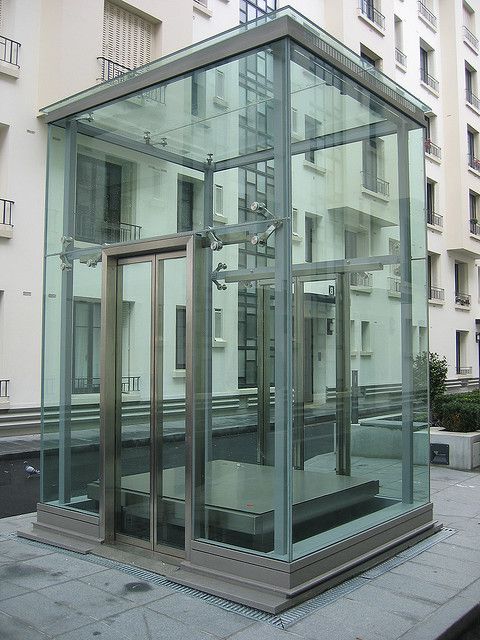
This immersive project is very loosely based on Alice in Wonderland as the idea of a figurative “rabbit hole” is the main focus instead. The base idea is that the player/user is transported to other dimensions or worlds by a seemingly normal elevator as they leave their place of work. The elevator takes the place of the “rabbit hole” as it takes the player deeper and deeper into fantastical locations. However, this will probably only involve a couple of locations with the limited time I have for the final video. Besides the obvious Alice in Wonderland inspiration, I am also partly inspired by the Roald Dahl story “Charlie and the Great Glass Elevator” as the idea of a fantastical adventure in a transparent elevator is part of my base idea.

Story

As there is a limit of about a minute for the final immersive prototype, the story for the idea is very fast paced. The initial idea is for the player to be in a normal office building before being transported to a fantasy village type location via the elevator. The elevator will seemingly start to break down before the walls peel off to show the village. After the player has had adequate time to take in the sights of the village, a giant will climb over some nearby mountains and approach the elevator. The giant will pick up the elevator and then swallow it and the player whole. This transitions to the next area which makes use of darkness to hide some kind of sinister presence. The aim in this part is to try and spook the player a little with use of audio and limited light. After this section, the player appears back in the world with everything seemingly fine. The question is whether what just happened was real or not.

Design

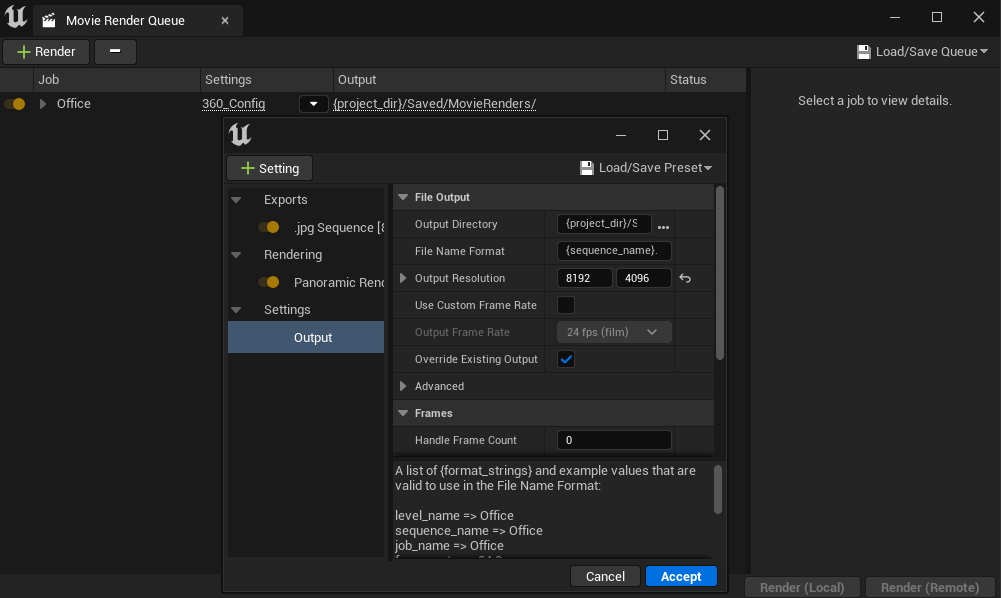
The software this project will be created in is Unreal Engine with the use of an optional Movie Render plugin that allows an Unreal render to be captured in a full 360 degree view. However, as it will be a render there won’t be any actual interaction for the player but this is fine for this as it is only a prototype of what this idea could be if ever developed further. Unreal Engine was chosen as I have much more experience in it than Maya and I can make use of the level sequence cinematics system to animate my scenes. The render times should also be more manageable for my personal computer allowing me to test my project semi-regularly to work out any issues.

References

yannick (2007) Glass Elevator Boulogne Paris [Image]. Available online: https://www.flickr.com/photos/21624989@N07/2120607541/ [Accessed 18/5/2023].
Personal Development Document

References:

hazex (2021) armchair obj model [Asset]. Available online: https://www.turbosquid.com/3d-models/armchair-chair-model-1698878 [Accessed 21/4/2023].
Logitech (N.D.) Keyboard K120 [Image]. Available online: https://www.logitech.com/en-gb/products/keyboards/k120-usb-standard-computer.html [Accessed 20/4/2023].
Ryan M. (2022) HTC VIVE [Model]. Available online: https://3dwarehouse.sketchup.com/model/2efbdaa9-1bbc-432d-b1f6-d86bb3ab3486/HTC-VIVE [Accessed 19/4/2023].
TextureCan (N.D.) Beige Rug or Carpet Texture [Texture]. Available online: https://www.texturecan.com/details/540/ [Accessed 20/4/2023].
TextureCan (N.D.) Black Woven Leather [Texture]. Available online: https://www.texturecan.com/details/501/ [Accessed 20/4/2023].
TextureCan (N.D.) Blue Fabric Texture with Pilling [Texture]. Available online: https://www.texturecan.com/details/150/ [Accessed 20/4/2023].

TextureCan (N.D.) Wave-Shaped Grille Metal Mesh [Texture]. Available online: https://www.texturecan.com/details/445/ [Accessed 20/4/2023].

Uniq (2022) Uniq- Stellar | Cinematic/ Emotional / Motivation [Free to use] [Video]. Available online: https://youtu.be/If-FSPLrUO8 [Accessed 21/4/2023].

Final Visual Effects Sequence

YouTube Link

Video File Download

References

Adia Entertainment (2014) Military Weapons Dark [Asset Pack]. Available online: https://www.unrealengine.com/marketplace/en-US/product/military-weapons-dark [Accessed 5/1/2023].

Australopithecusman (2017) Body Falls on Floor; loud [Sound]. Available online: https://freesound.org/people/Australopithecusman/sounds/388891/ [Accessed 17/1/2023].

EFlexMusic (2016) Hard Kick to Gut (No Effects Only Mixing) [Sound]. Available online: https://freesound.org/people/EFlexMusic/sounds/369595/ [Accessed 17/1/2023].

egomassive (2020) Stone.ogg [Sound]. Available online: https://freesound.org/people/egomassive/sounds/536803/ [Accessed 17/1/2023].

EminYILDIRIM (2021) Swoosh [Sound]. Available online: https://freesound.org/people/EminYILDIRIM/sounds/555057/ [Accessed 17/1/2023].

Epic Games (2018) Paragon: Twinblast [Asset Pack]. Available online: https://www.unrealengine.com/marketplace/en-US/product/paragon-twinblast [Accessed 5/1/2023].

Epic Games (2018) Paragon: Wraith [Asset Pack]. Available online: https://www.unrealengine.com/marketplace/en-US/product/paragon-wraith [Accessed 5/1/2023].

Gamemaster Audio (2016) Human Vocalizations [Sound Pack]. Available online: https://www.unrealengine.com/marketplace/en-US/product/human-vocalizations [Accessed 17/1/2023].

Henderson, M (2010) Ultra Heavy Laser sound effect [Sound]. Available online: https://youtu.be/whLbGbpt-E4 [Accessed 17/1/2023].

JohnLoser (2021) Cyber Punch 02 [Sound]. Available online: https://freesound.org/people/JohnLoser/sounds/573377/ [Accessed 17/1/2023].

mixamo (N/A) Character Rigging and Animations [Asset Resource]. Available online: https://www.mixamo.com/#/ [Accessed 5/1/2023].

Animations Used:

  • Big Body Blow
  • Breathing Idle
  • Diagonal Wall Run
  • Drop Kick
  • Dying (Shot To The Chest Falling On Two Knees)
  • Dying Backwards
  • Fist Fight A
  • Fist Fight B
  • Flying
  • Flying Knee Punch Combo
  • Getting Hit Backwards
  • Getting Up (Knocked Down On The Ground)
  • Kicking (Front Snap Kick Rear Foot Advancing)
  • Kip Up
  • Quick Roll to Run
  • Rifle Down to Aim
  • Rifle Idle
  • Run to Rolling
  • Stomp
  • Superhuman Choke Lift
  • Swing to Land (Superhero Pose)
  • Walking (Swagger)

newlocknew (2021) Crushing kick_1 x3(17lrs).wav [Sound]. Available online: https://freesound.org/people/newlocknew/sounds/593909/ [Accessed 17/1/2023].

Nox_Sound (2020) Footsteps_Boots_Gritty_Ground_Pebbles_Barks_Mono.wav [Sound]. Available online: https://freesound.org/people/Nox_Sound/sounds/530385/ [Accessed 17/1/2023].

Nox_Sound (2020) Footsteps_Boots_Tile_Mono.wav [Sound]. Available online: https://freesound.org/people/Nox_Sound/sounds/530588/ [Accessed 17/1/2023].

PITCHEDsenses (2019) Fight – perfect punch/hit/kick/stroke [Sound]. Available online: https://freesound.org/people/PITCHEDsenses/sounds/488720/ [Accessed 17/1/2023].

qubodup (2012) Kicking/Forcing/Breaking Wooden Door [Sound]. Available online: https://freesound.org/people/qubodup/sounds/160213/ [Accessed 17/1/2023].

Quixel Megascans (2019) Megascans – Blood [Asset Pack]. Available online: https://www.unrealengine.com/marketplace/en-US/product/e2368ad39c084e77a626dd424b1efcbe [Accessed 16/1/2023].

Quixel Megascans (n.d.) Asphalt Crack 1 [Decal]. Available online: https://quixel.com/megascans/home?category=decal&category=concrete&category=crack&assetId=umegfd0cw [Accessed 16/1/2023].

Sibiriakov. K  (2021) City Environment Megapack vol 02 [Asset Pack]. Available online: https://www.unrealengine.com/marketplace/en-US/product/city-environment-megapack-vol [Accessed 5/1/2023].

SilverIllusionist (2021) Decapitation (earlier blood spurt).wav [Sound]. Available online: https://freesound.org/people/SilverIllusionist/sounds/580233/ [Accessed 17/1/2023].

Soundridemusic – No Copyright Music (2021) Cinematic Tension NoCopyright Background Music for Video / Tensions Run High by soundridemusic [Music]. Available online: https://youtu.be/Ly9H63SLJJo [Accessed 17/1/2023].

TextureCan  (n.d.) Bloody Organ, Intestine or Flesh Texture [Texture]. Available online: https://www.texturecan.com/details/137/ [Accessed 16/1/2023].

Final Piece Video

References

3F Professional (2019) 3D model Pen and Notepad [Model]. Available online: https://www.turbosquid.com/3d-models/3d-model-pen-notepad-1480422 [Accessed 9/1/2023].

Adia Entertainment (2014) Military Weapons Silver [Asset Pack]. Available online: https://www.unrealengine.com/marketplace/en-US/product/military-weapons-silver [Accessed 22/12/2022].

Audio_Dread (2018) High Ambient Horror Music [Sound]. Available online: https://freesound.org/people/Audio_Dread/sounds/528484/ [Accessed 10/1/2023].

DeVern (2017) Chaos.wav [Sound]. Available online: https://freesound.org/people/DeVern/sounds/413248/ [Accessed 10/1/2023].

Dokyo (2016) Modular Neighborhood Pack [Asset Pack]. Available online: https://www.unrealengine.com/marketplace/en-US/product/modular-neighborhood-pack [Accessed 28/12/2022].

EminYILDIRIM (2022) Futuristic Alarm [Sound]. Available online: https://freesound.org/people/EminYILDIRIM/sounds/614379/ [Accessed 10/1/2023].

FaceTheEdge (2020) Paper Boxes 3D model [Model]. Available online: https://www.turbosquid.com/3d-models/paper-film-pbr-3d-model-1543456 [Accessed 9/1/2023].

florianreichelt (2019) Soft Wind [Sound]. Available online: https://freesound.org/people/florianreichelt/sounds/459977/ [Accessed 10/1/2023].

FX Cat UA (2022) Realistic Starter VFX Pack Vol 2 [Asset Pack]. Available online: https://www.unrealengine.com/marketplace/en-US/product/realistic-starter-vfx-pack-vol [Accessed 28/12/2022].

Huminaatio (2013) Zombie breathing [Sound]. Available online: https://freesound.org/people/Huminaatio/sounds/189281/ [Accessed 10/1/2023].

iannyss_3d (2014) supplies [Model]. Available online: https://www.turbosquid.com/3d-models/notepad-pencil-eraser-max/855260 [Accessed 9/1/2023].

InspectorJ (2016) Footsteps, Concrete, A.wav [Sound]. Available online: https://freesound.org/people/InspectorJ/sounds/336598/ [Accessed 10/1/2023].

kyles (2018) door wood kick open rattle creak.wav [Sound]. Available online: https://freesound.org/people/kyles/sounds/452600/ [Accessed 11/1/2023].

lupalenzuela (2015) Machine1.wav [Sound]. Available online: https://freesound.org/people/lupalenzuela/sounds/328360/ [Accessed 10/1/2023].

mixamo (N/A) Character Models and Animations [Asset Resource]. Available online: https://www.mixamo.com/#/ [Accessed 2/1/2023].

Characters:

  • Adam (Player Model Face)
  • Dreyar By M.Aure (Doctor Richmond Face)
  • Gas Mask (Operative Model)
  • Joe (Player Model Hair)
  • Josh (Rian Model)
  • Romero (Zombie Model)
  • Swat (Player Model Body)

Animations:

  • Breathing Idle
  • Button Pushing
  • Cover Idle (Rian Hiding)
  • Laying Seizure (Moving Body Bag)
  • Male Sitting Pose (Dead Body Pose)
  • Pistol Aim (Gun Holstered)
  • Pistol Idle (Aiming)
  • Pistol Walk (Forwards)
  • Rifle Aim to Down
  • Rifle Aiming Idle
  • Rifle Idle
  • Rifle Turn and Kick
  • Run (Facing Sideways)
  • Slow Run
  • Talking (Asking a Question with One Hand)
  • Talking (Asking a Question with Two Hands)
  • Terrified (Rian Scared)
  • Walking (Aimed Rifle Walk)
  • Zombie Attack (Overhead)
  • Zombie Crawl
  • Zombie Dying
  • Zombie Idle
  • Zombie Reaction Hit (Zombie Stun)
  • Zombie Walk

Mr. Wolf (2016) Worn Key [Model]. Available online: https://www.turbosquid.com/3d-models/free-key-3d-model/1082413 [Accessed 9/1/2023].

Orhan. F (2021) Note Papers 3D model [Model]. Available online: https://www.turbosquid.com/3d-models/note-papers-3d-model-1723927 [Accessed 9/1/2023].

Quixel Megascans (2019) Megascans – Blood [Asset Pack]. Available online: https://www.unrealengine.com/marketplace/en-US/product/e2368ad39c084e77a626dd424b1efcbe [Accessed 1/1/2023].

sophiehall3535 (2014) Glass bang .wav [Sound]. Available online: https://freesound.org/people/sophiehall3535/sounds/245941/ [Accessed 11/1/2023].

sophiehall3535 (2014) Pick Up Keys 1.wav [Sound]. Available online: https://freesound.org/people/sophiehall3535/sounds/248037/ [Accessed 11/1/2023].

Toivo161 (2015) Suspense strings [Sound]. Available online: https://freesound.org/people/Toivo161/sounds/266009/ [Accessed 10/1/2023].

tonsil5 (2021) Zombie Hit 1.wav [Sound]. Available online: https://freesound.org/people/tonsil5/sounds/555420/ [Accessed 10/1/2023].

tonsil5 (2021) Zombie Pain 6.wav [Sound]. Available online: https://freesound.org/people/tonsil5/sounds/555425/ [Accessed 10/1/2023].

Tris Games (2019) 4 IN 1 Modular Research Facility / Mega Bundle [Asset Pack]. Available online: https://www.unrealengine.com/marketplace/en-US/product/research-environment [Accessed 28/12/2022].

VFX and Post Production 4: Production Notes

Asset List

AssetType
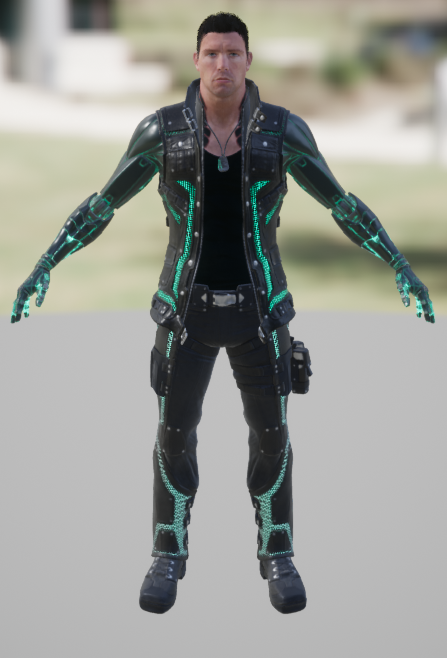
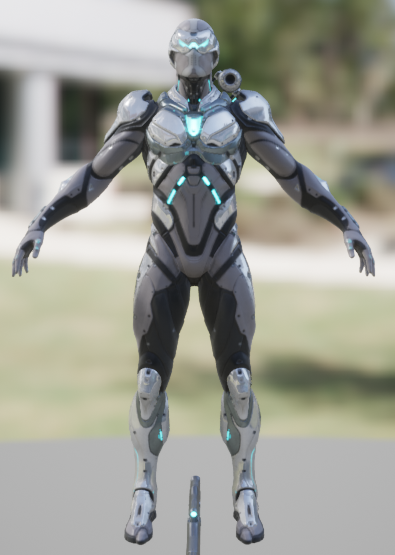
ProtagonistCharacter Model
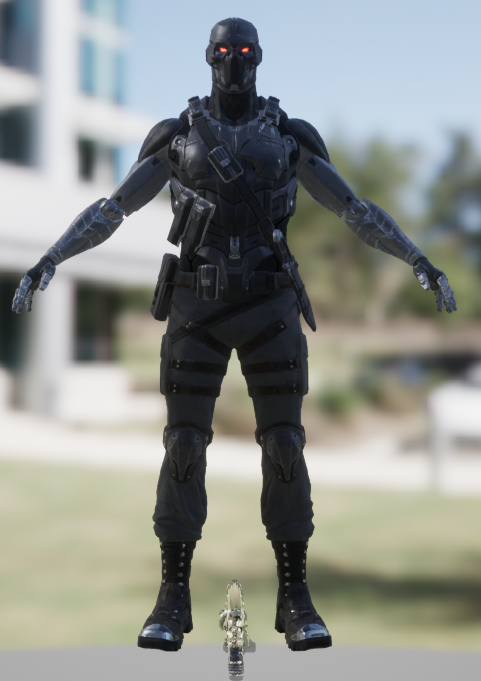
AntagonistCharacter Model
SoldierCharacter Model
GunModel
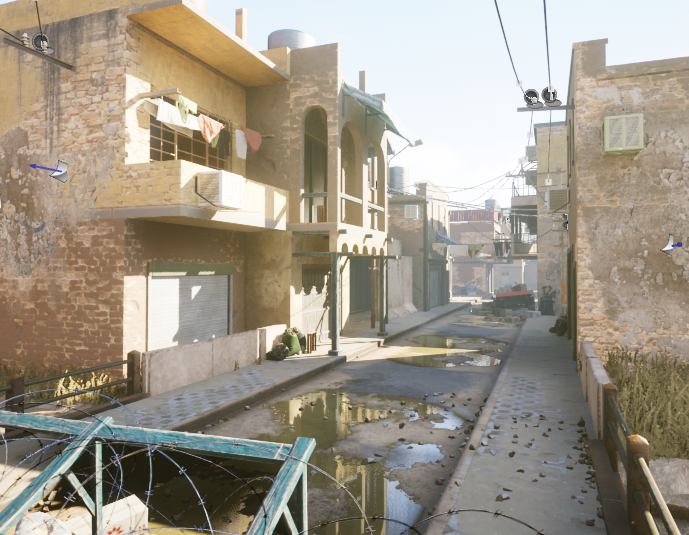
EnvironmentModelled Environment
Wind NoiseSound
Laser NoiseSound
Effort SoundsSound
Pain GruntsSound
DestructionSound
Background MusicMusic

Animation List

  • Character 1 Flying
  • Soldier Looking Around
  • Character 1 Floating
  • Soldier Death (Cut in half)
  • Character 1 Superhero Landing
  • Confident Walk
  • Fist Fight
  • Drop Kick
  • Big Body Blow
  • Dodge Roll
  • Wall Run
  • Jumping Punch
  • Jumping Kick
  • Head Crush

VFX List

  • Emissive Eyes
  • Lasers
  • Blood Spurts
  • Blue Fire
  • Dust
  • Head Crushing Blood

Found Assets

Character 1 Model
Character 2 Model (The models for Character 1 and 2 are from the same asset pack as they both skins for the same character.)
Soldier Model
Environment Asset Pack

References

Epic Games (2018) Paragon: Twinblast [Asset Pack]. Available online: https://www.unrealengine.com/marketplace/en-US/product/paragon-twinblast [Accessed 5/1/2023].

Epic Games (2018) Paragon: Wraith [Asset Pack]. Available online: https://www.unrealengine.com/marketplace/en-US/product/paragon-wraith [Accessed 5/1/2023].

Sibiriakov. K  (2021) City Environment Megapack vol 02 [Asset Pack]. Available online: https://www.unrealengine.com/marketplace/en-US/product/city-environment-megapack-vol [Accessed 5/1/2023].

VFX and Post Production 3: Visual Effect Exercises and Explanation of VFX Piece

VFX Exercises

Basic

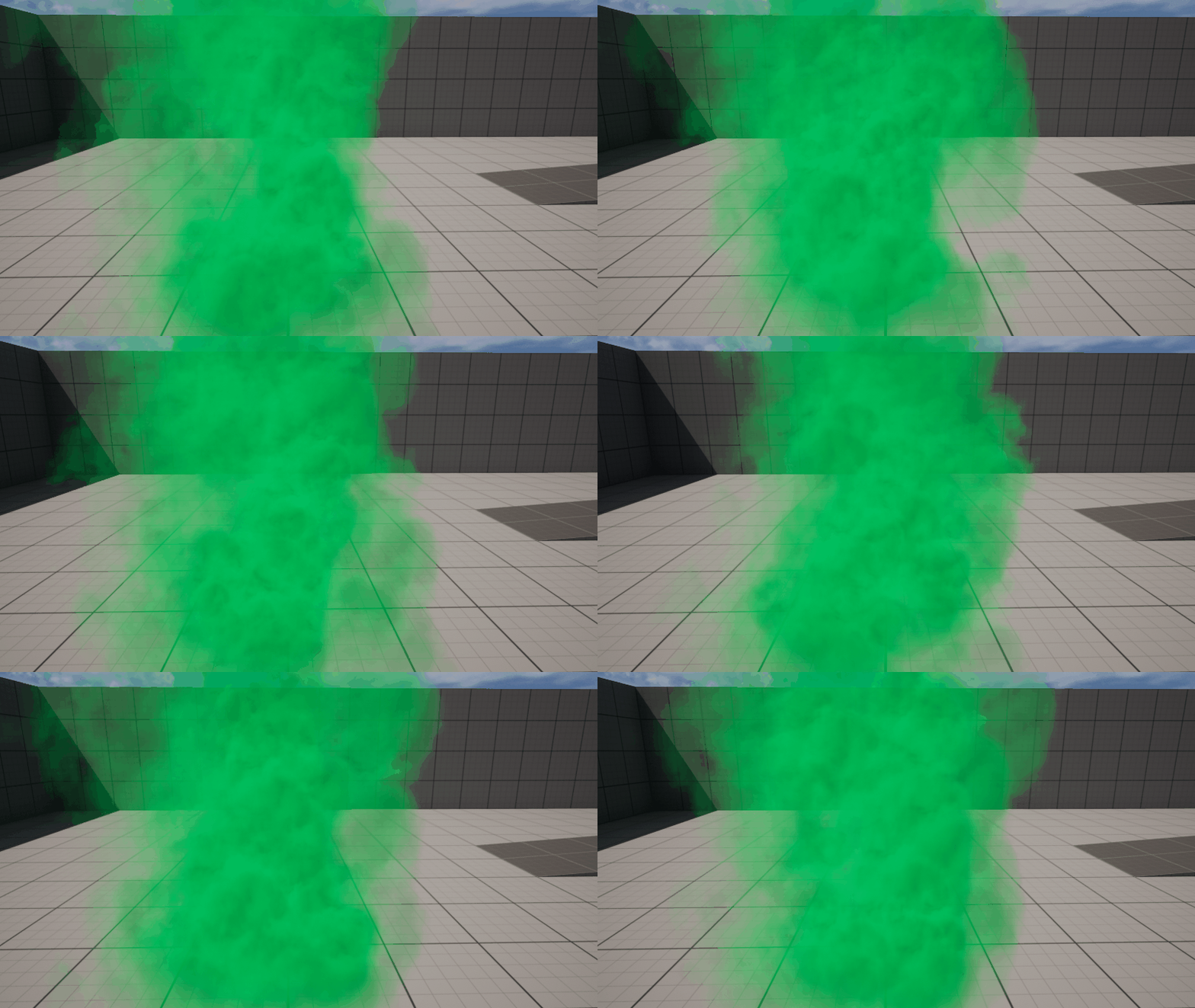
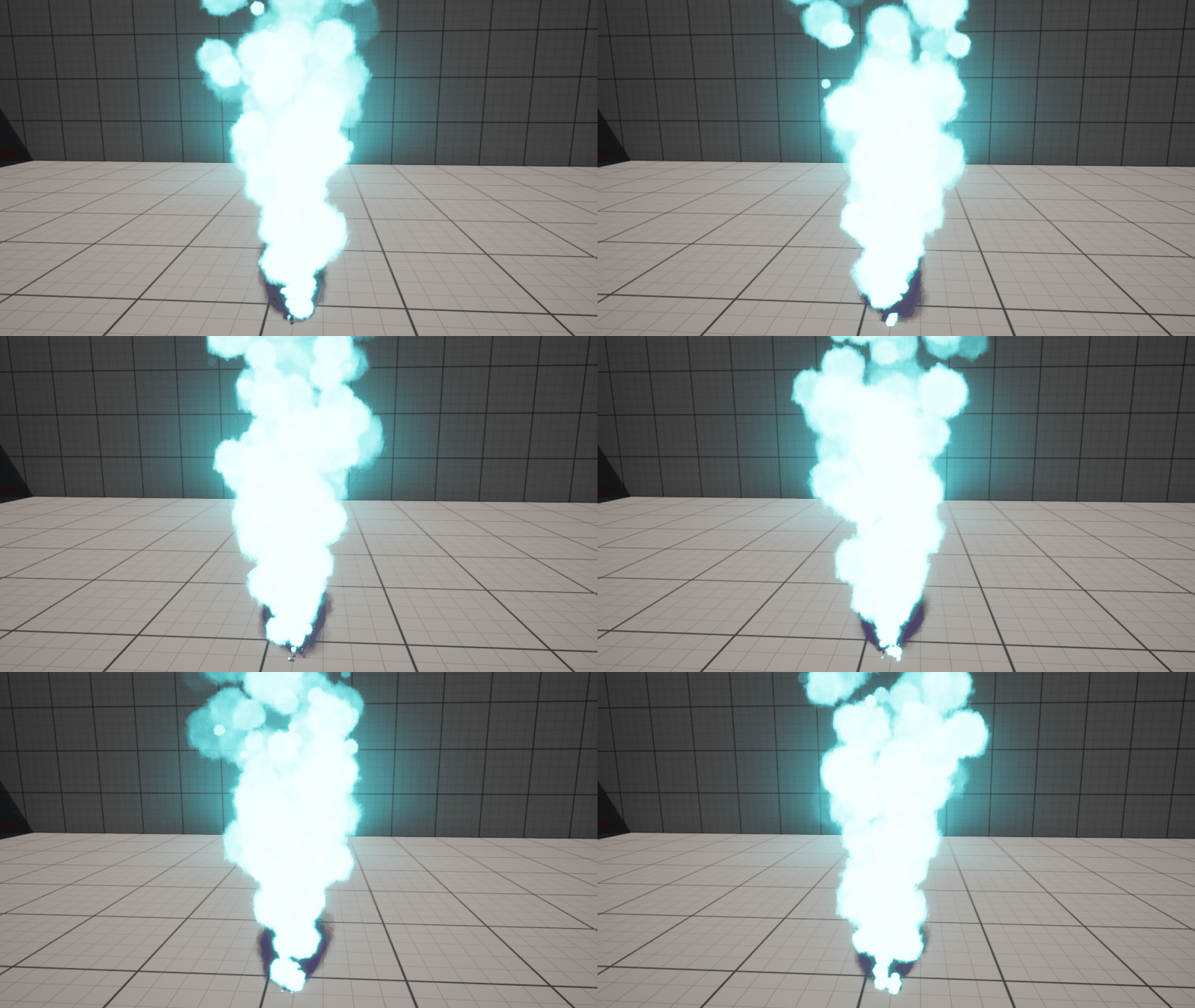
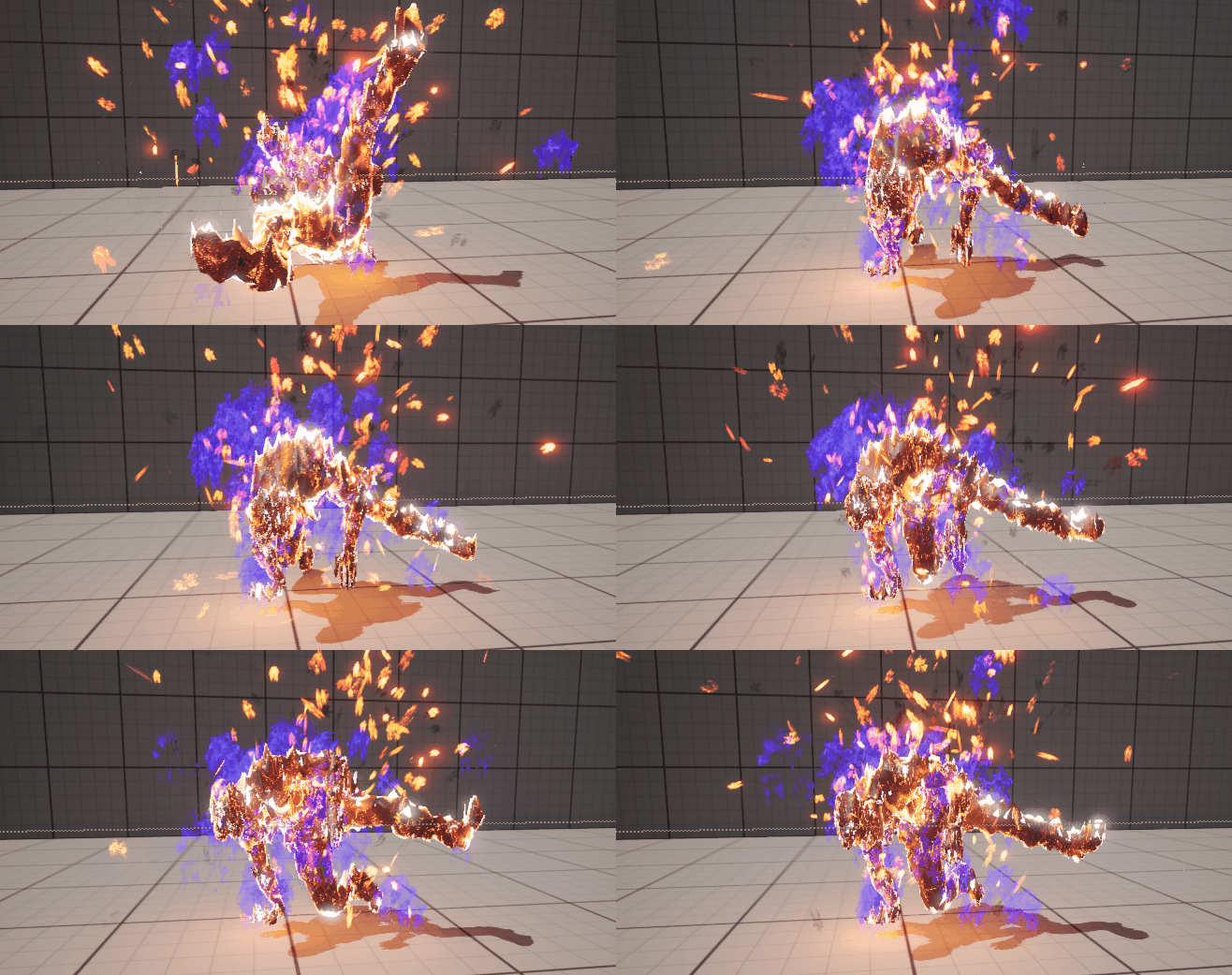
To start learning how the Niagara particle system works and how I could use it within my VFX piece I started by making some basic Niagara particle systems by following the tutorials provided to me. The basic particle systems I made were green smoke and a blue fire with purple smoke using sprite-based emitters. I changed the colours to add my own flair to the particle systems.

Intermediate

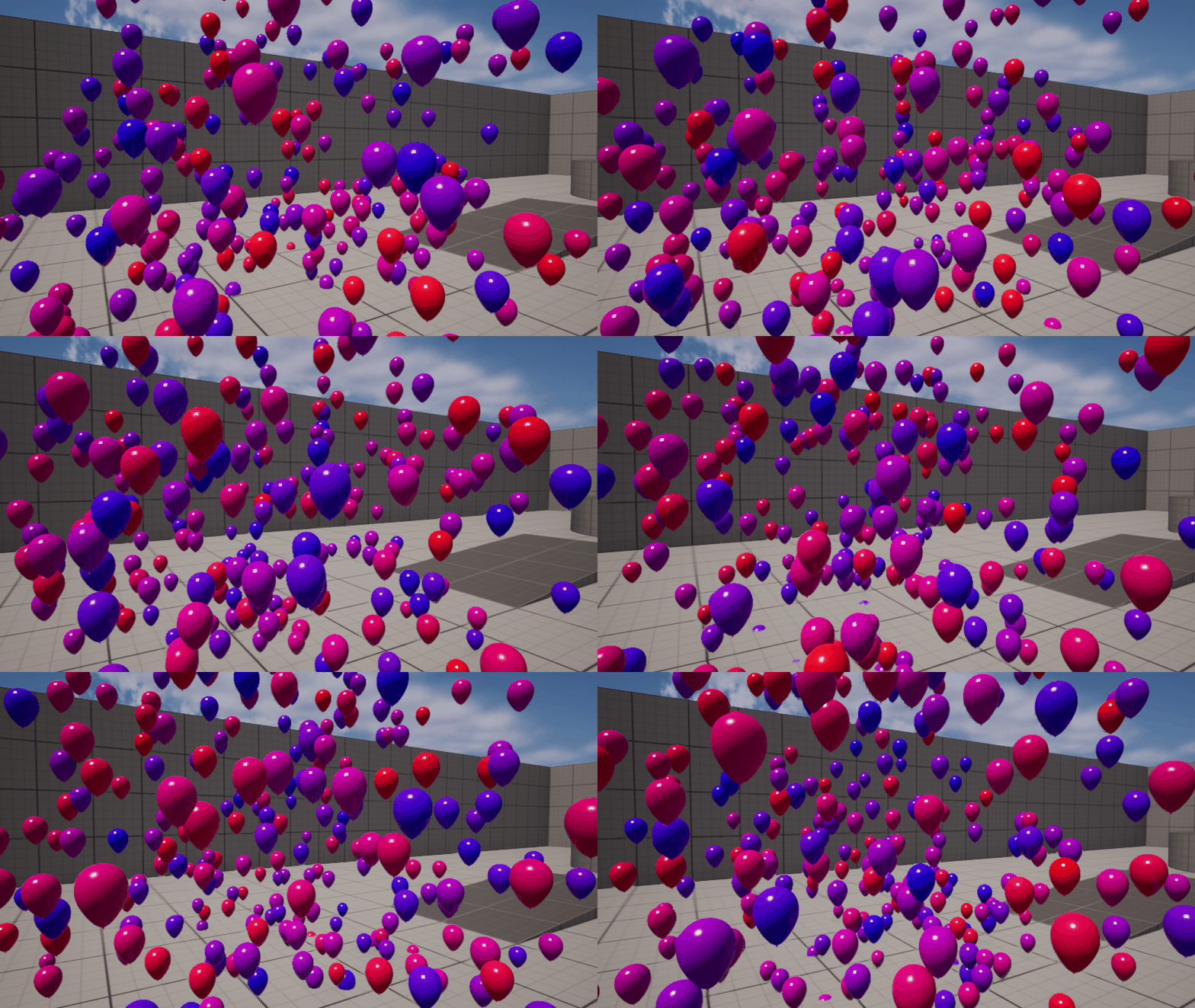
Another facet of the Niagara particle system is the ability to use a mesh in the particle system in place of a sprite. I followed another tutorial to make a balloon particle system based on a balloon mesh that spawned balloons of different colours based on the values set in the particle system.

Advanced

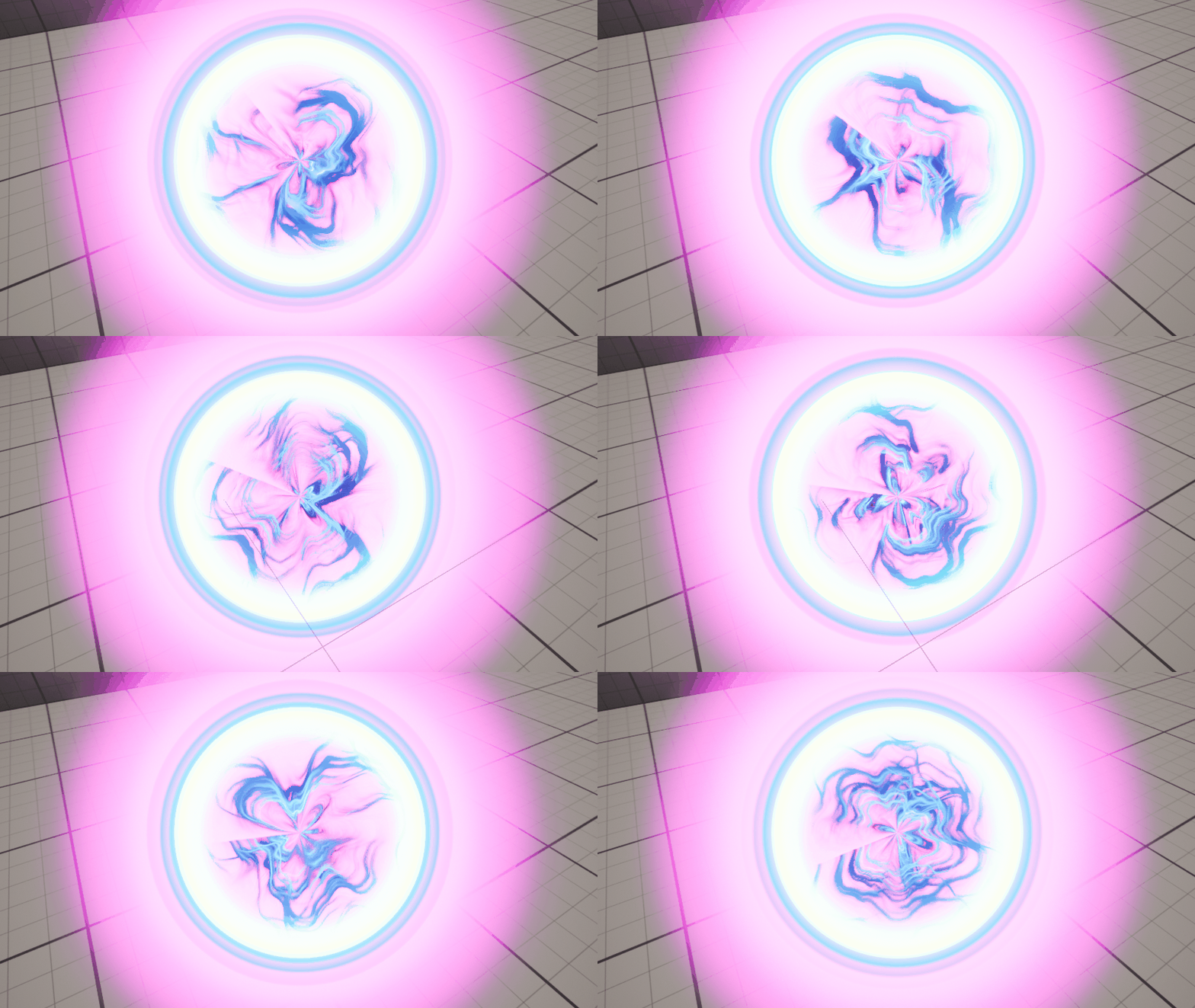
For more potential for how I could implement VFX into my final piece, I decided to also follow the advanced VFX tutorials to create a portal particle system and a particle system that emits fire from a skeletal mesh. Both of these systems allowed me to explore how materials can assist in making more interesting and unique particle systems. I decided to test the skeletal mesh fire system on a skeletal mesh that wasn’t included in Unreal Engine by default with a custom animation from Mixamo to see how this would look.

This exploration of the Niagara particle system gave me ideas of how I could further develop my VFX in my final piece. For example, I could use a mesh particle emitter to add gore to my blood VFX to improve the impact of that visual effect. It also improved my confidence in being able to make VFX that matches the ideas I had for my piece.

Explanation of VFX Piece

Animations

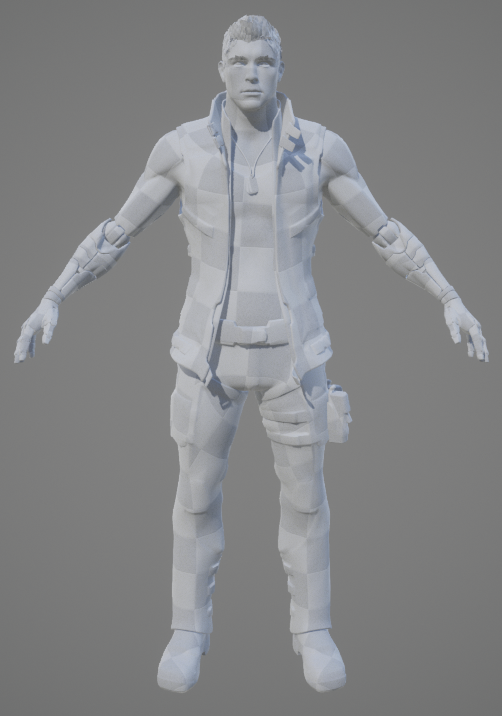
The animations in my final piece will consist of free to use Mixamo animations which I will implement into the piece using the sequencer. The Unreal sequencer will allow me to easily time and blend these animations as I have prior experience with the Unreal sequencer. Through some experimentation, I was able to get a model from an Unreal Engine asset pack to work with Mixamo animations by using the auto-rigger on the website. I had to edit the model slightly in modelling software as a gun was included in the model by default which I didn’t need for this character. I also used this model when doing the advanced skeletal mesh particle system. I researched what Mixamo animations there are available while making my storyboard so that it the actions were mostly feasible to what existed on Mixamo although there are some actions I may have to animate myself.

Mixamo Auto-Rigger Test

Lighting

My piece will mainly use high-key lighting as my piece is set during the day. However, I may be able to implement low-key lighting when the second character of my animation is launched through a wall and weakened as that area will be an interior and so I can have a lack of lighting. It will help to make the outcome of the fight more hopeless for the second character.

Sound

I will implement royalty-free sounds into my piece within the sequencer or animations to make sure they are correctly lined up with the timings of the animations. It would be easier to make the sounds included in the animations themselves as it means I wouldn’t have to put the sounds in the sequencer for every use of the same animation as it would be included by default each time that animation is used. I may implement background music using editing software instead to make sure it doesn’t overlay all the other sounds but I may not include music.

Post Processing

Using the post processing feature in Unreal, I am able to use the colour grading tools to change the feel of my different scenes. This can be helpful for when I want the piece to have a darker atmosphere. I can also use colour grading to make the world of my piece feel more dull and depressing to hint at the kind of world that my piece takes place in.

References

Mixamo (n.d.) Flair Dance Animation 1 [Animation]. Available online: https://www.mixamo.com/#/?page=1&query=flair [Accessed 3/1/2023].

VFX and Post Production 2: Storyboard and Animatic

Storyboard

Shot 1 (1 Second)

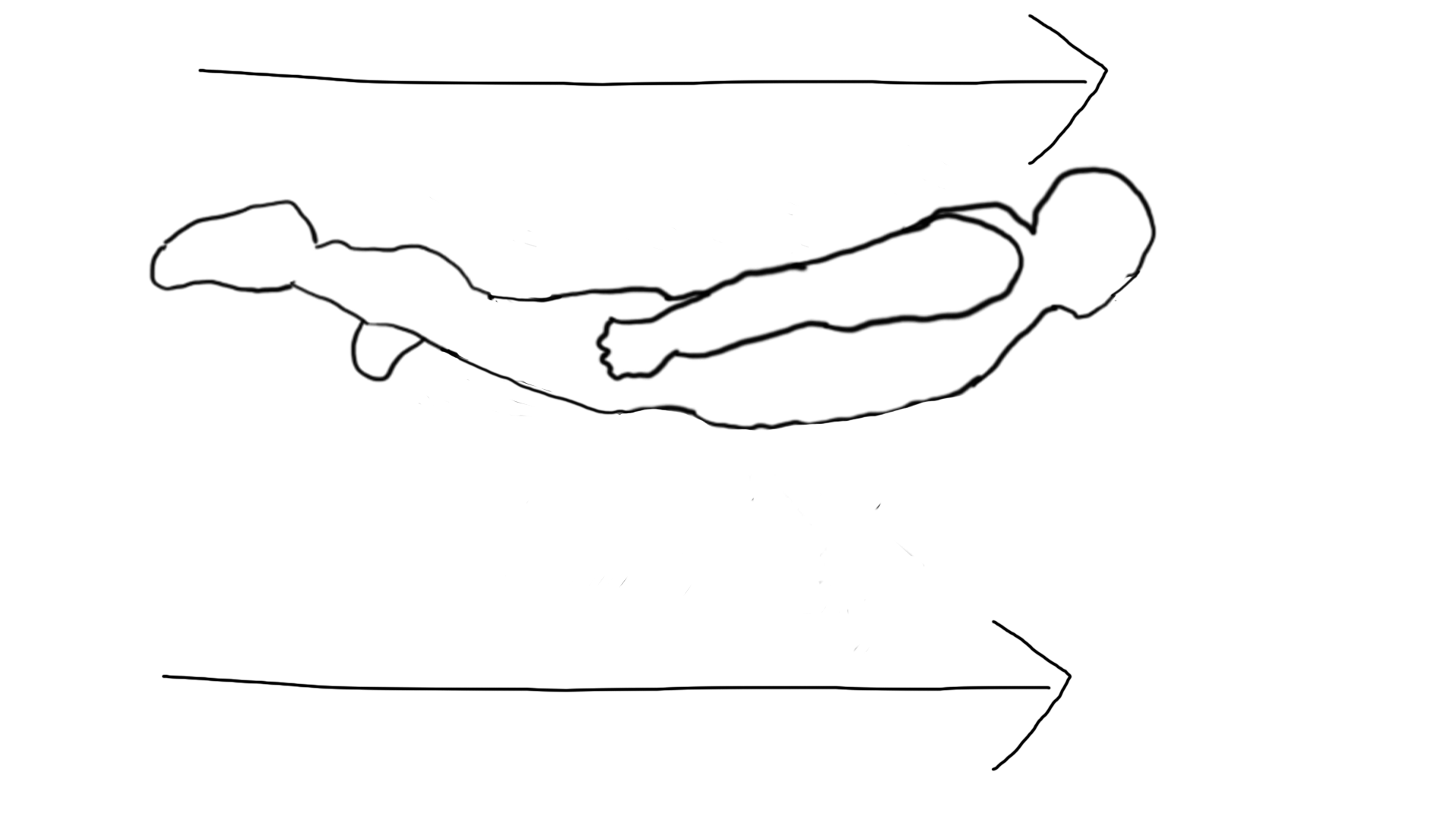
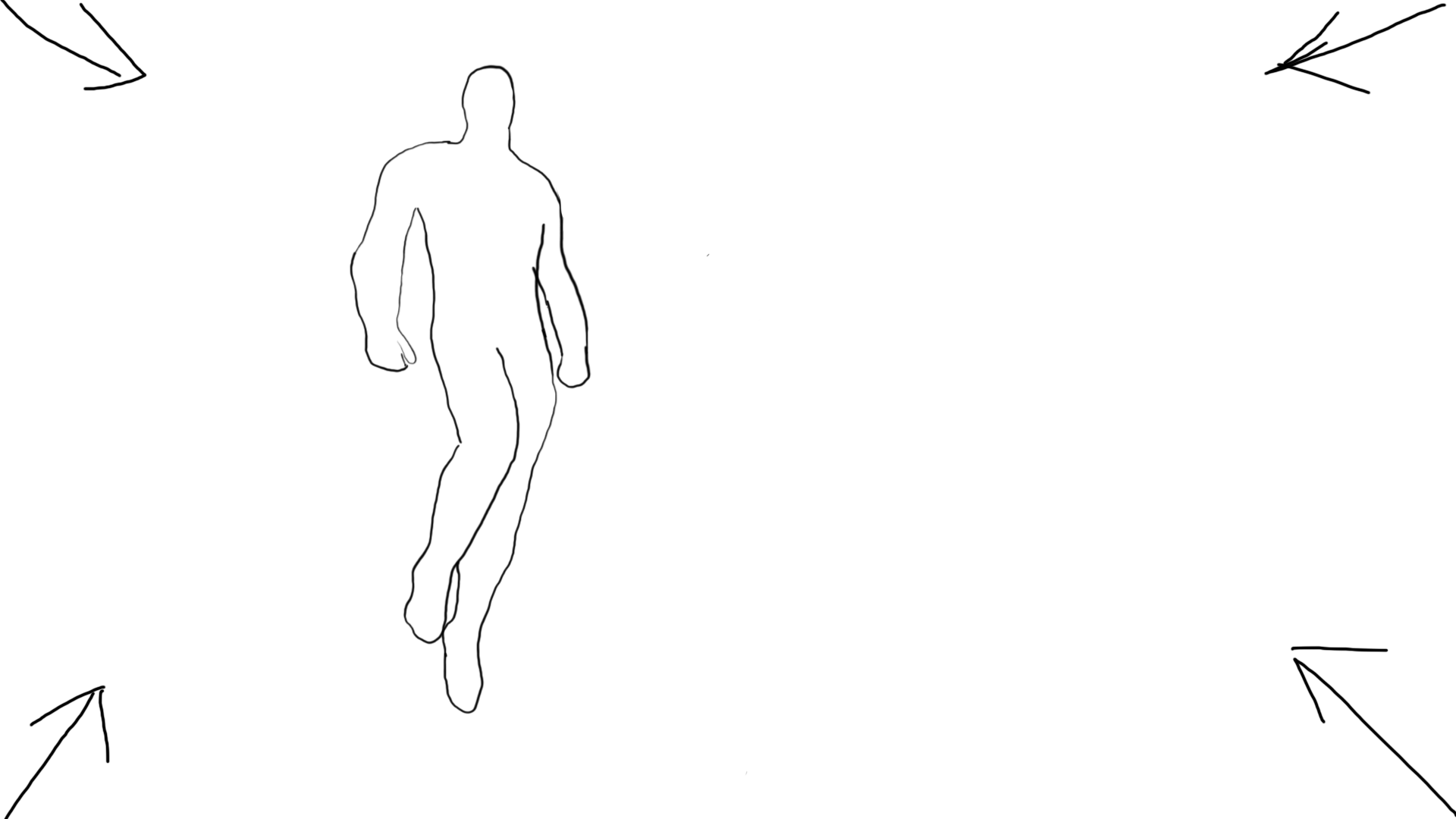
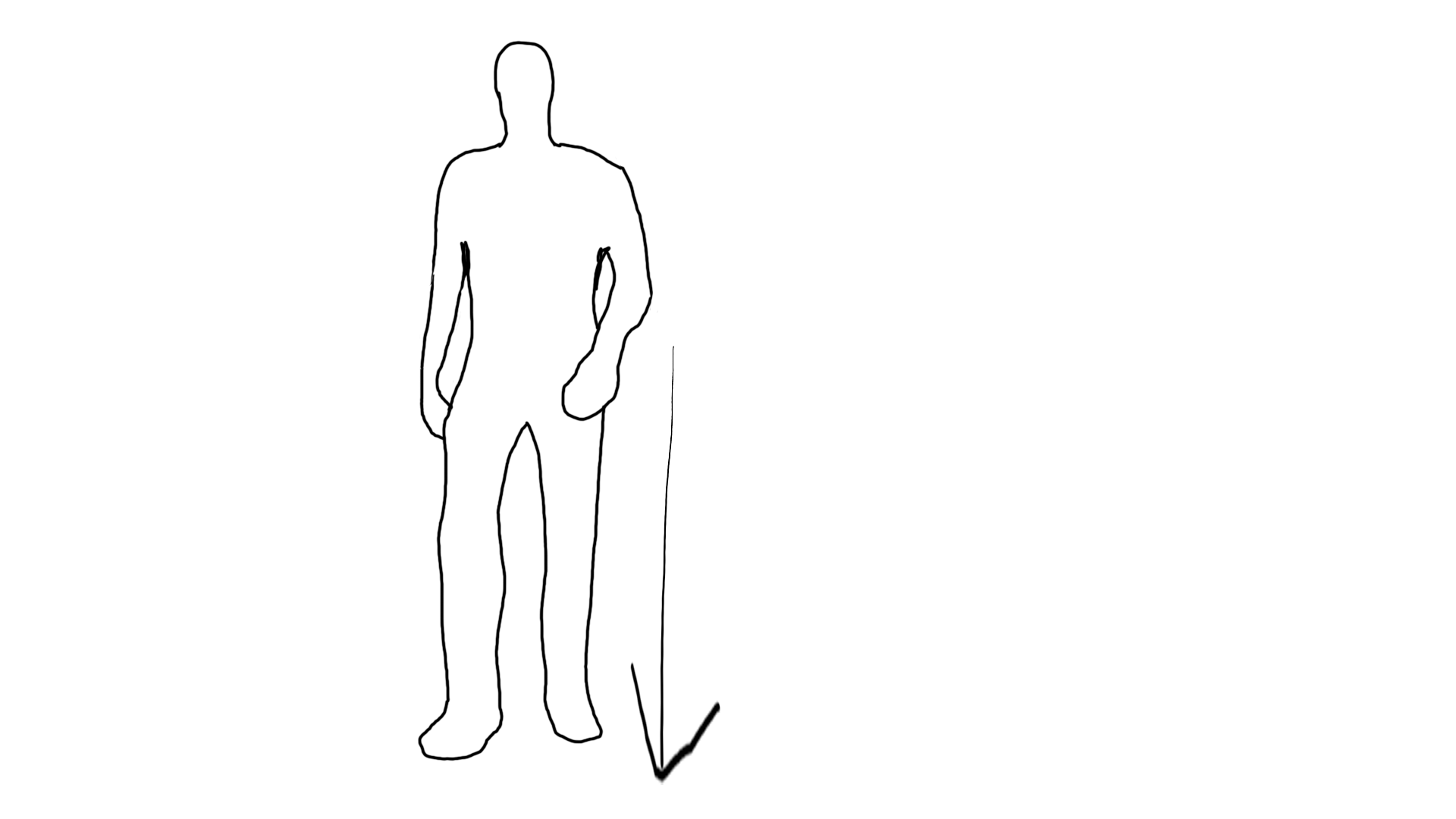
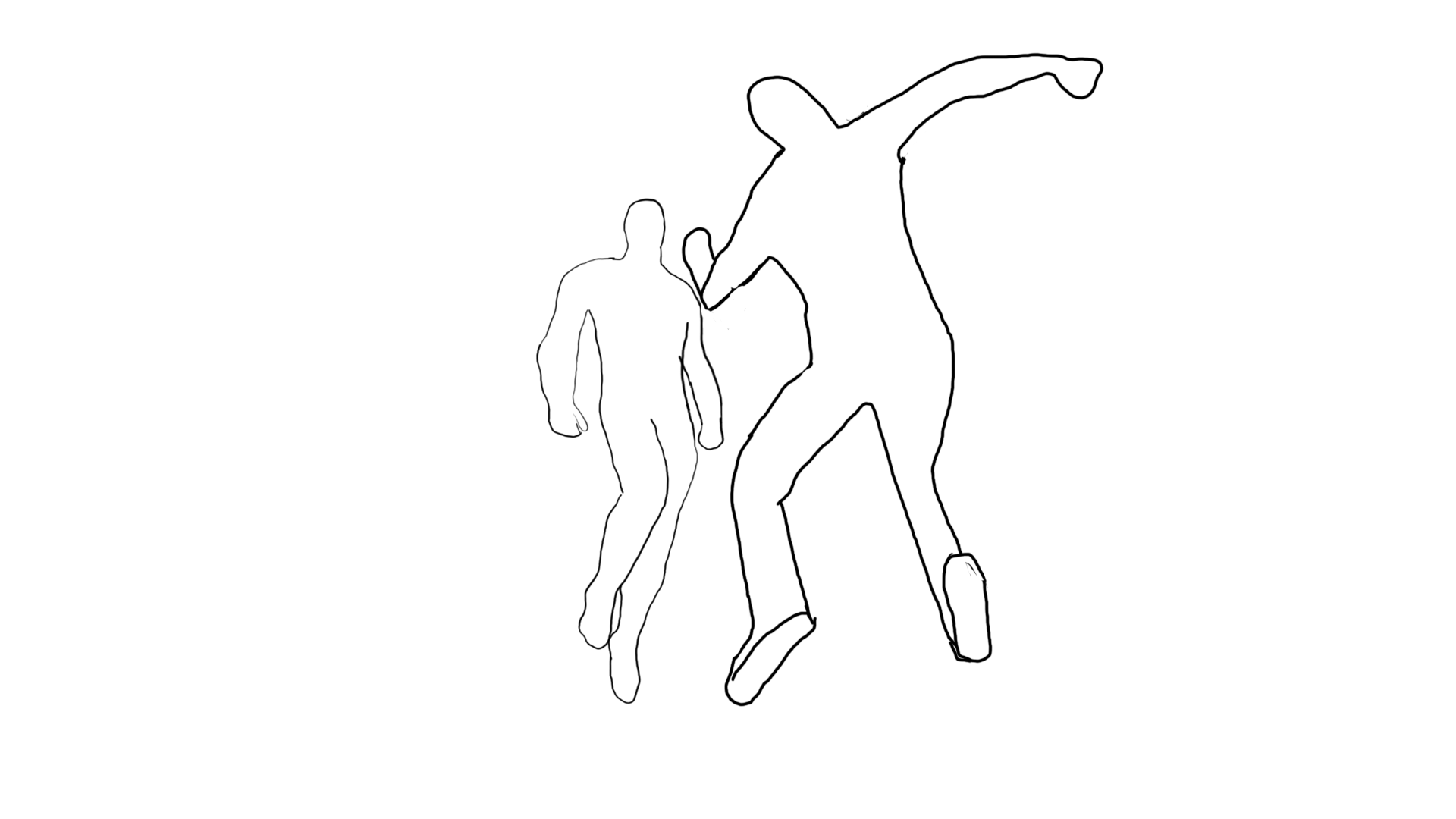
The first character is introduced flying across the screen very quickly.

Medium Long Shot

Shot 2 (3 Seconds)

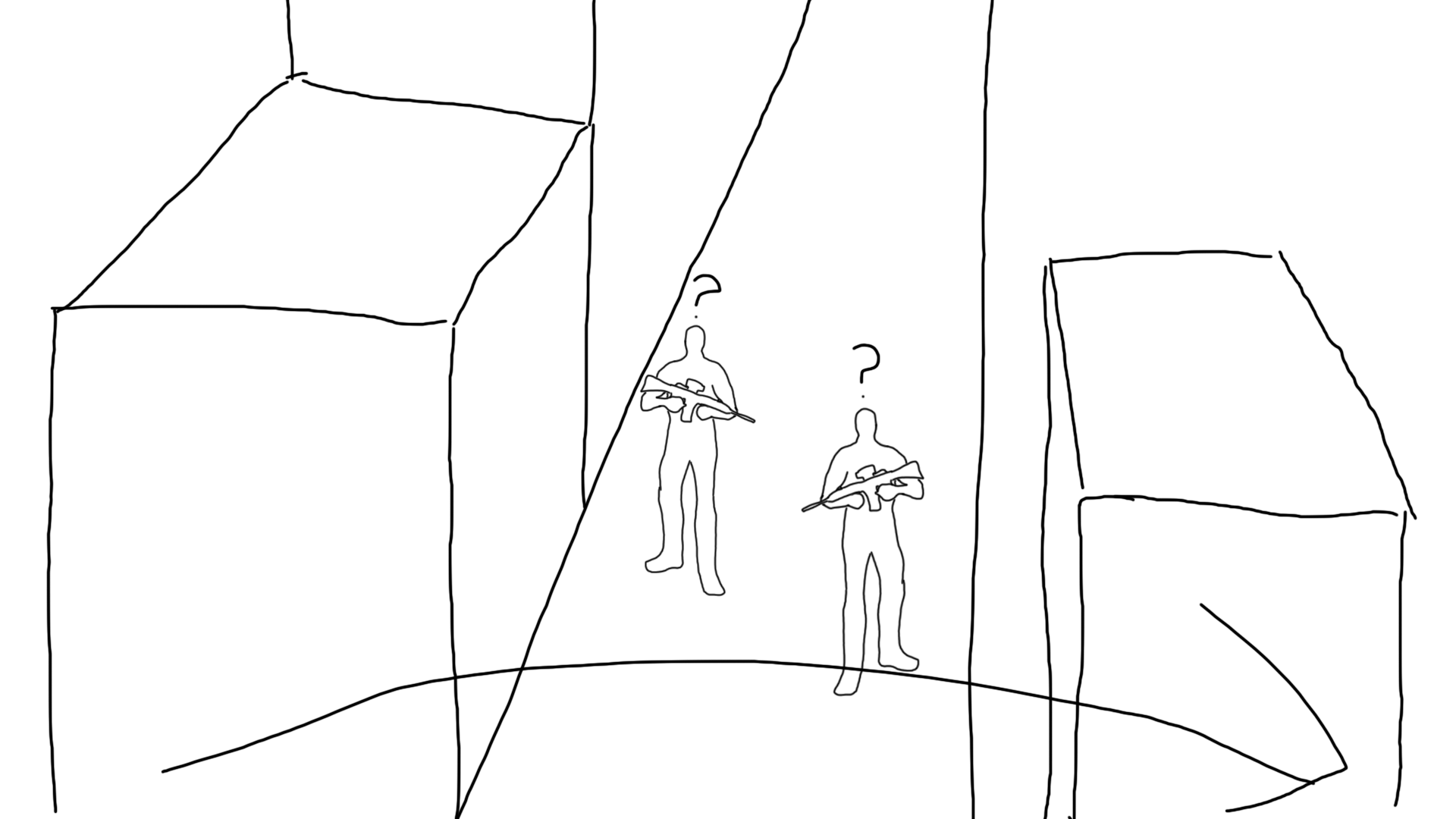
The environment in which the piece will take place is shown as well as establishing the presence of two soldiers alerted by the first character.

Establishing Shot

Shot 3 (1 Second)

The first character floats above the environment as the camera zooms into their face.

Zoom Shot

Shot 4 (2 Seconds)

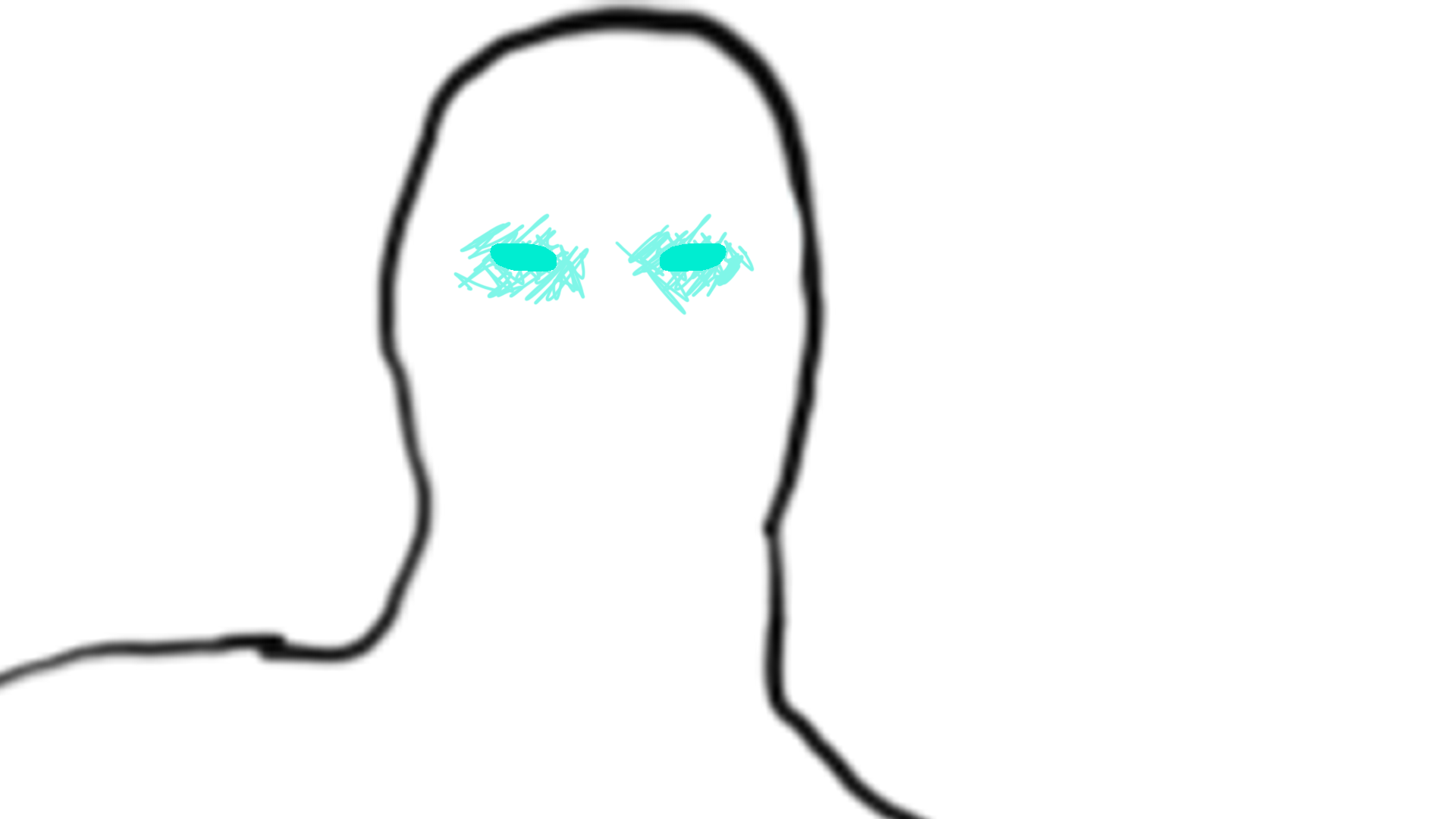
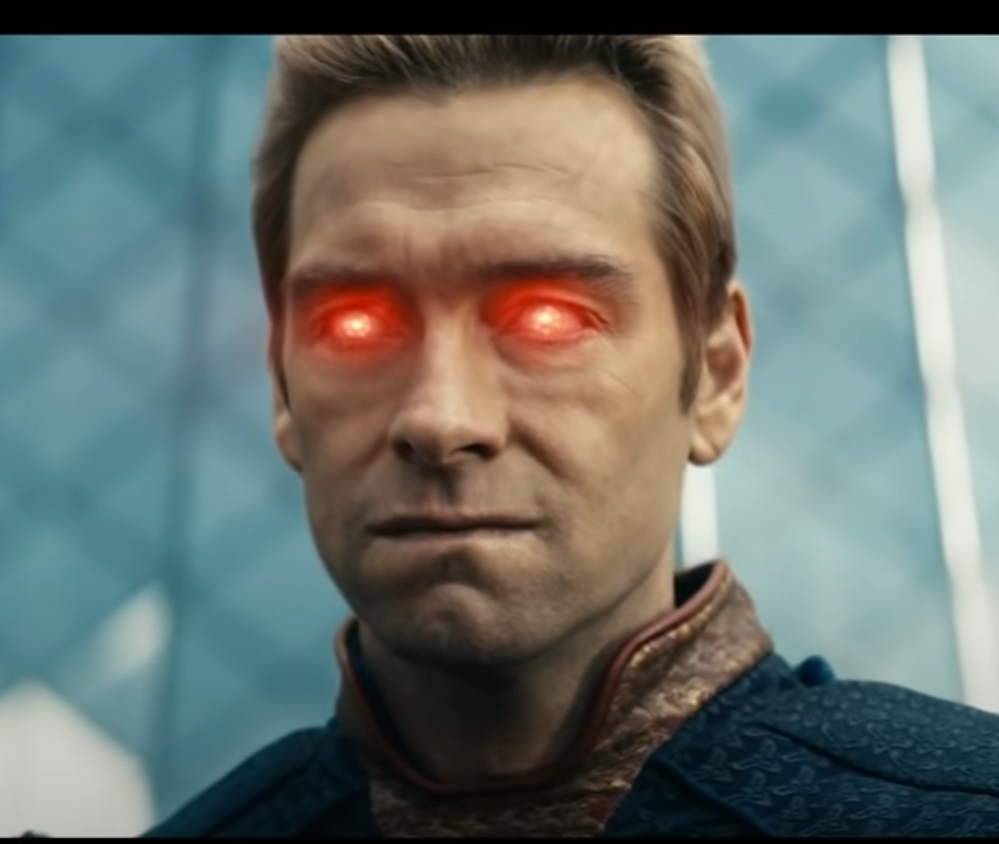
A close-up view is used as the first character starts to use their laser eye ability. The shot could zoom further in and make it an extreme closeup shot. I will experiment in Unreal Engine to see what I prefer.

Closeup Shot

VFX: Eyes lighting up to signify the laser ability.

Shot 5 (3 Seconds)

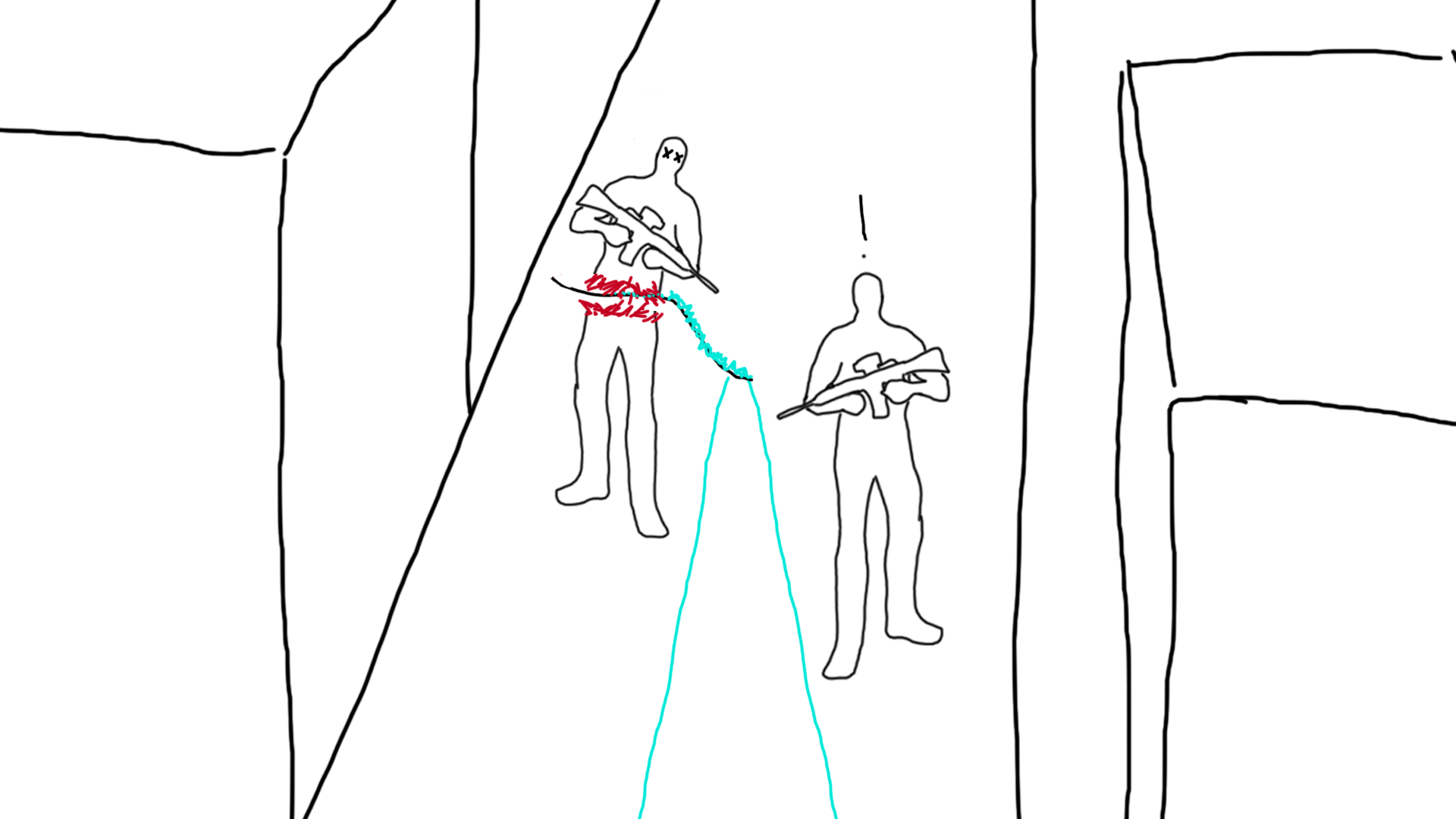
The soldiers are lasered in half by the first character.

POV Shot (First Character)

VFX: Lasers, blood spurts from the soldiers and blue temporary fire made by the lasers.

Shot 6 (3 Seconds)

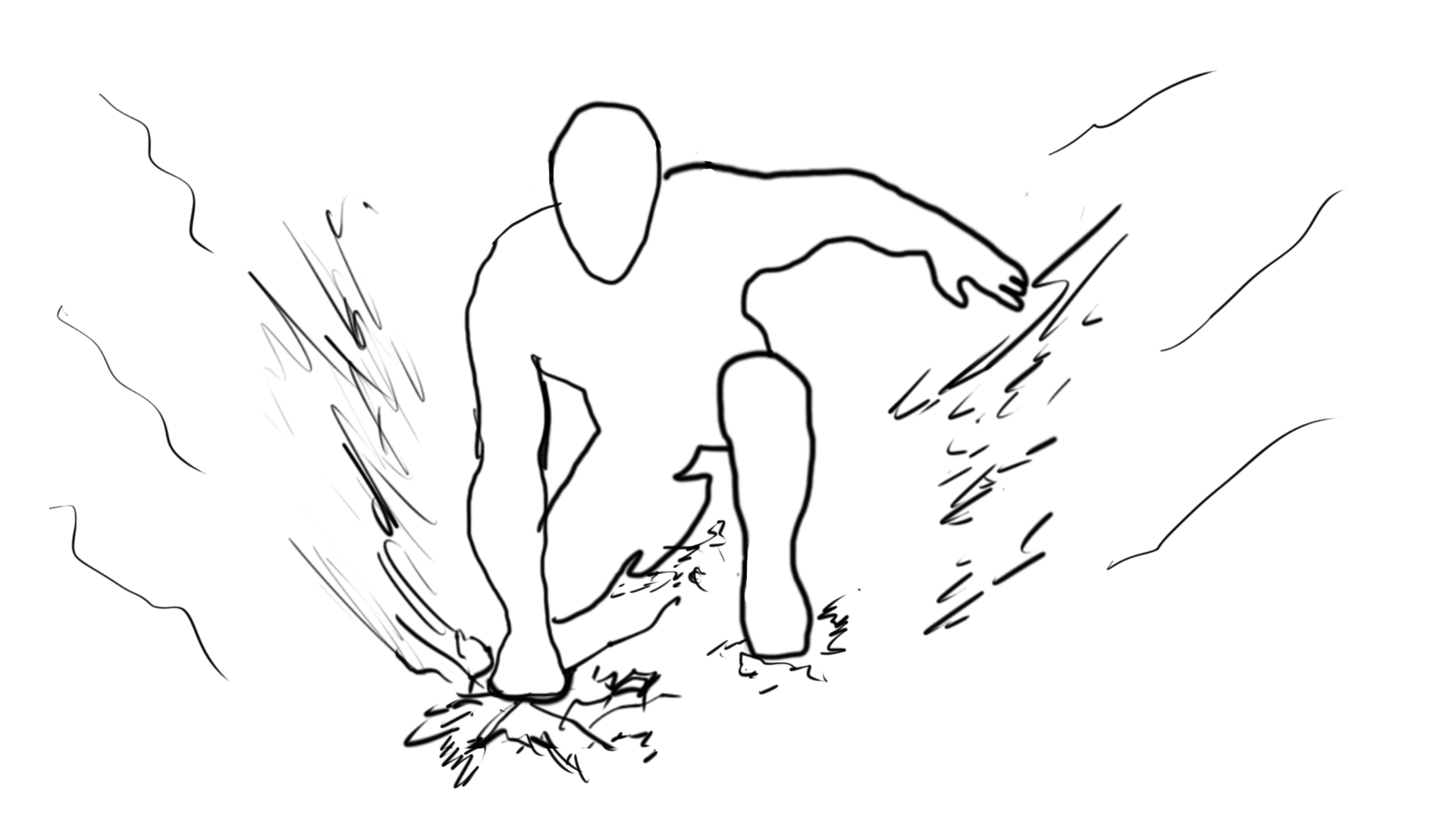
The first character now lands in the environment causing a bit of destruction to the ground. The camera shakes when this happens.

Medium Long Shot

Shot 7 (4 Seconds)

The second character is introduced by confidently walking towards the first character.

POV Shot (First Character)

Shot 8 (6 Seconds)

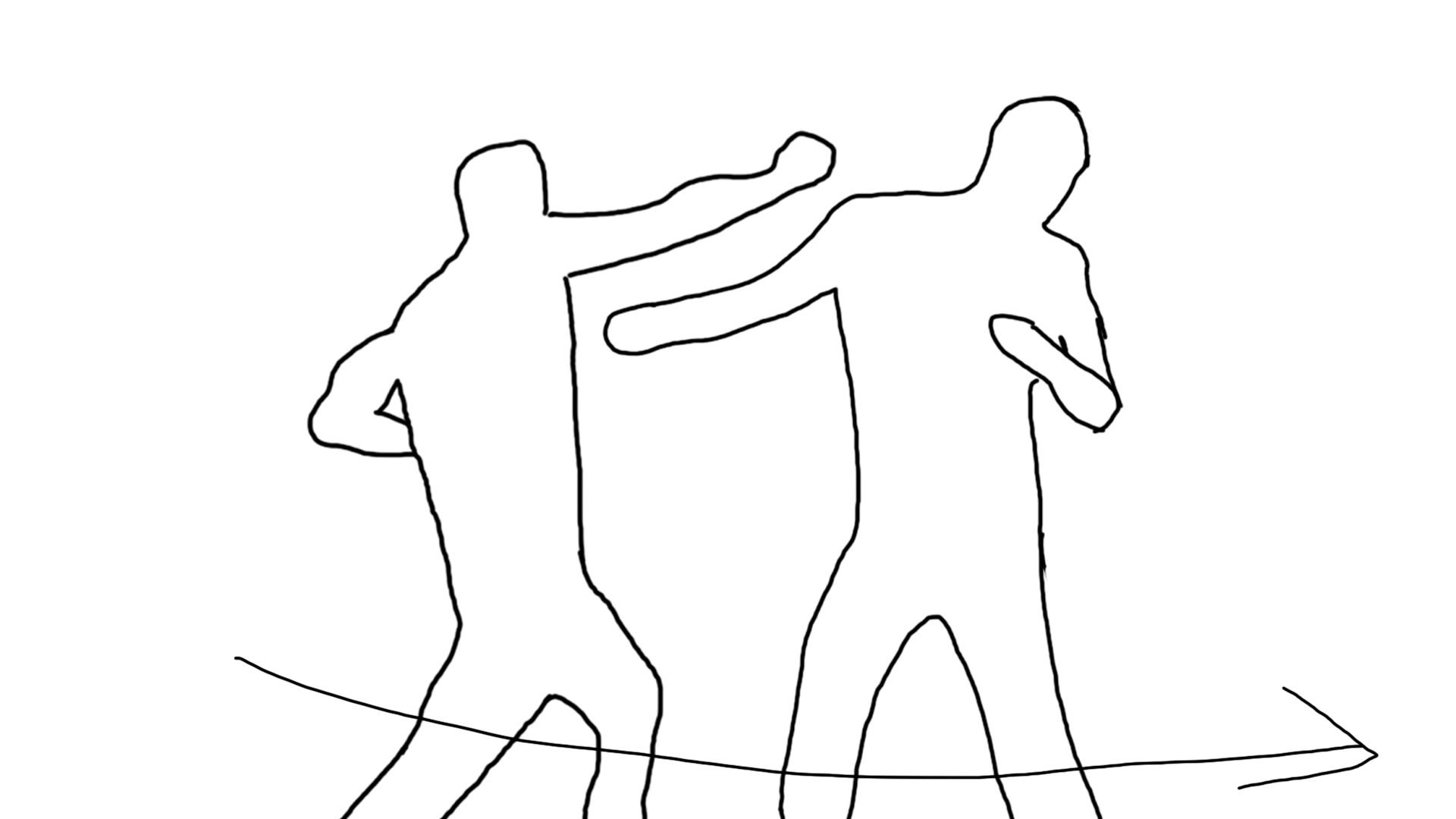
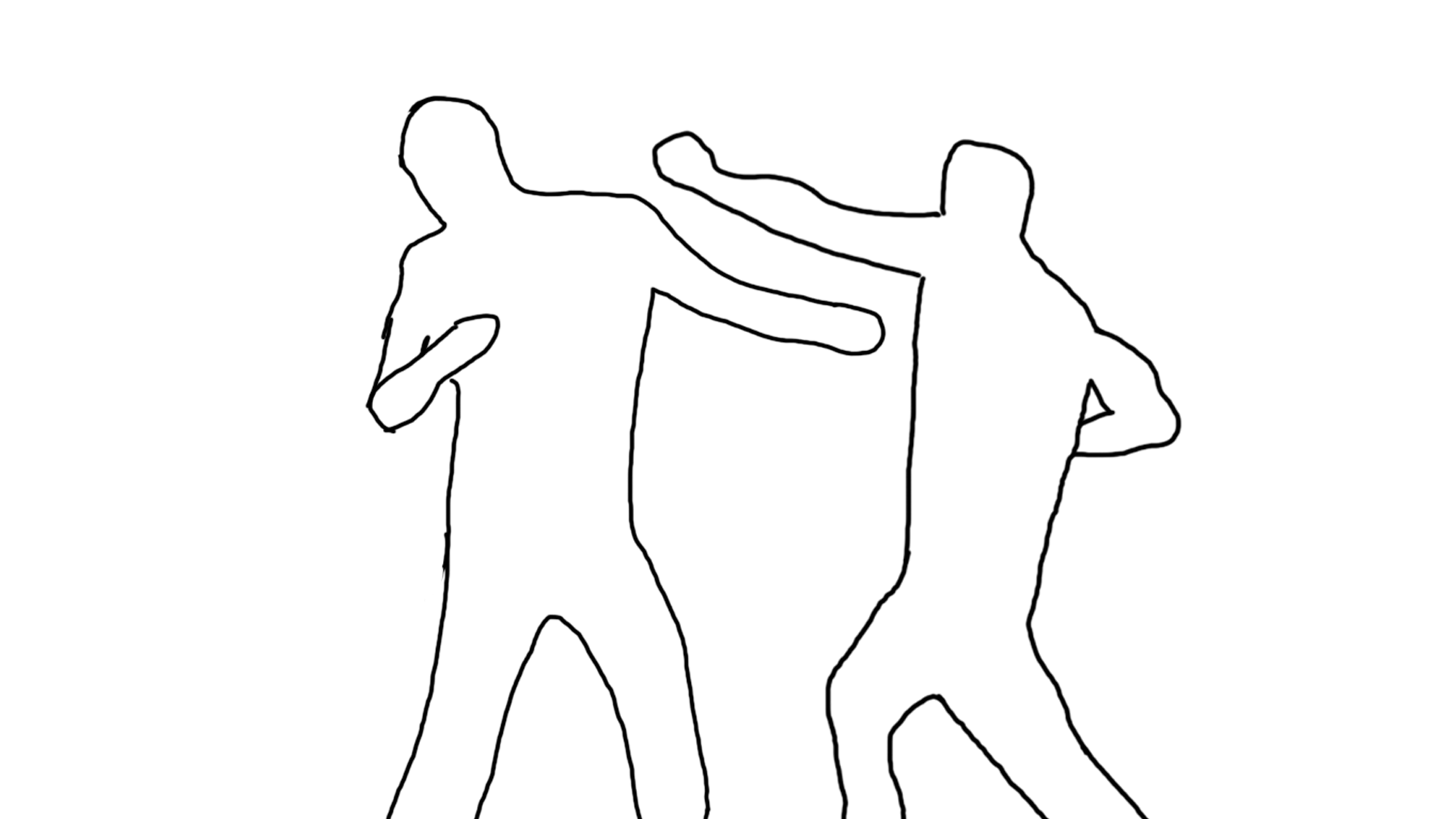
The two characters trade blows until the first character is kicked back. The camera is stationary at first but it rotates behind the second character when he kicks the first character for the next shot position.

Medium Long Shot

Shot 9 (4 Seconds)

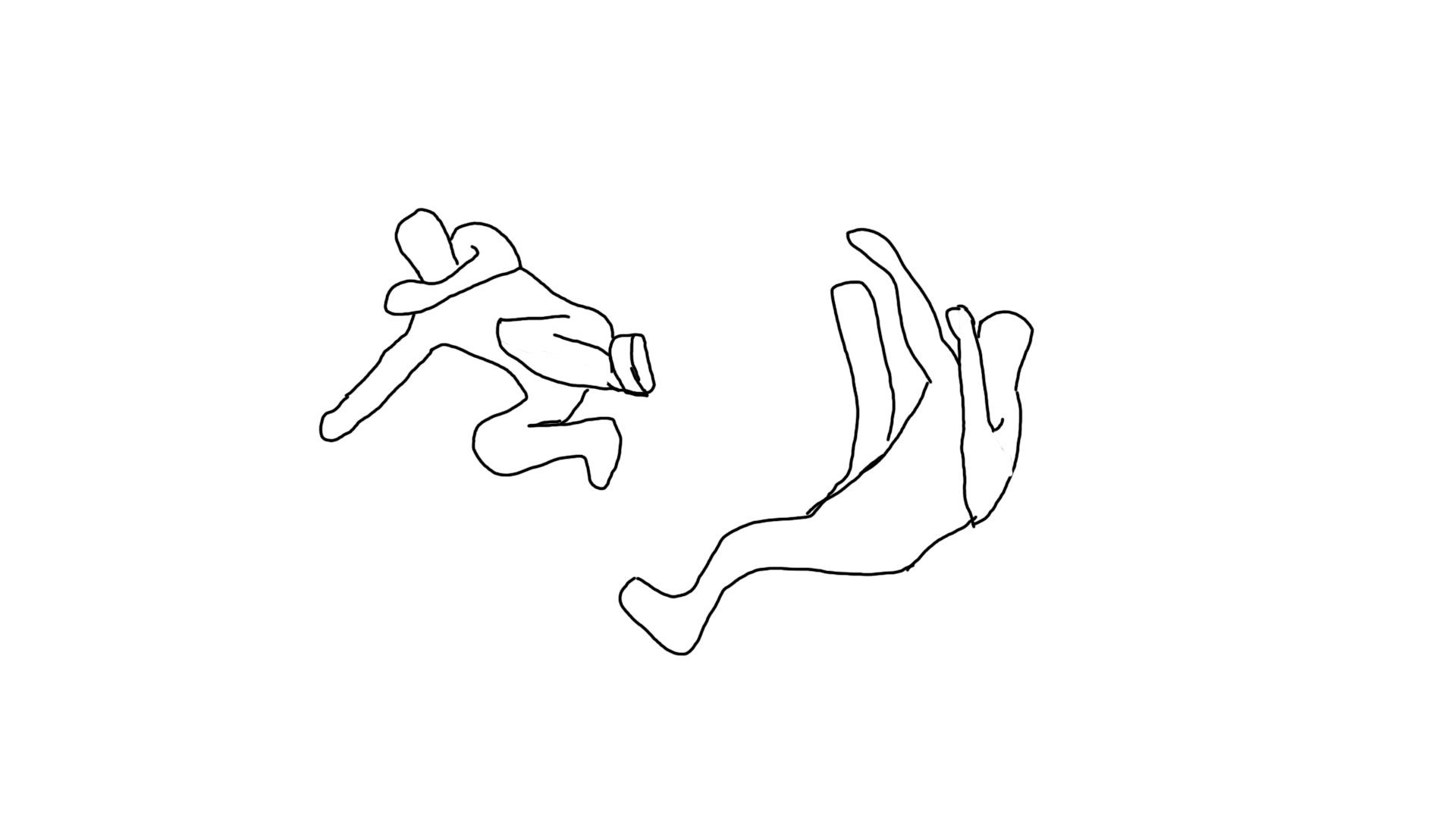
The first character drop kicks the second character a fair distance away (goes off screen) and then transitions into a floating pose.

Long Shot

Shot 10 (4 Seconds)

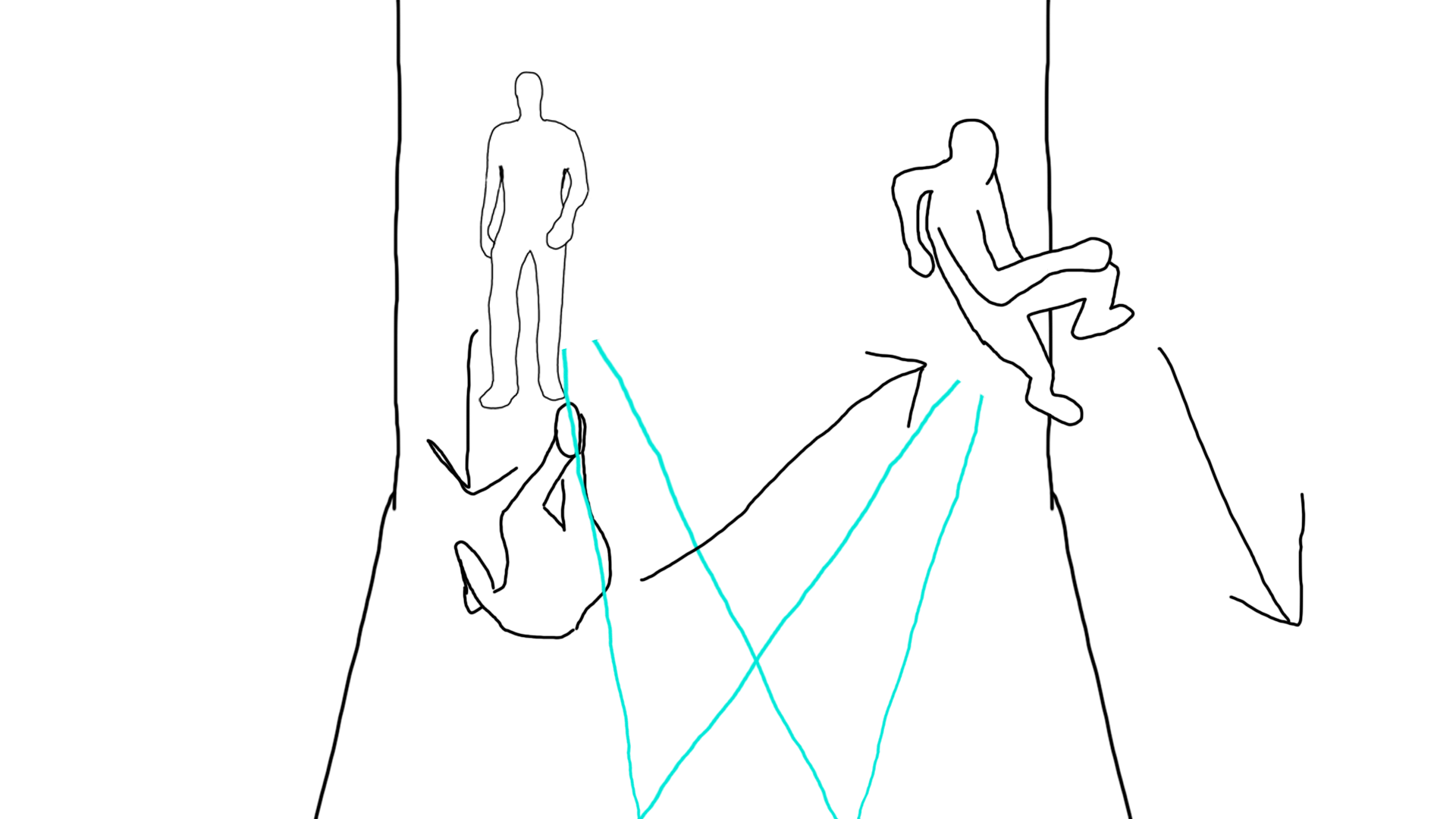
The first character tries to laser the second character but the second character dodges and starts to wall run. Seen from a POV perspective until the second character starts to wall run as the camera rotates behind them to transition to the next shot.

POV Shot (First Character)

VFX: Lasers and blue temporary fire made by them.

Shot 11 (4 Seconds)

The second character uses the momentum from the wall run to punch the first character mid-air knocking them to the ground as the second character lands.

Over the Shoulder Shot

Shot 12 (6 Seconds)

The two characters trade blows again and the second character is kicked back this time.

Medium Long Shot

Shot 13 (4 Seconds)

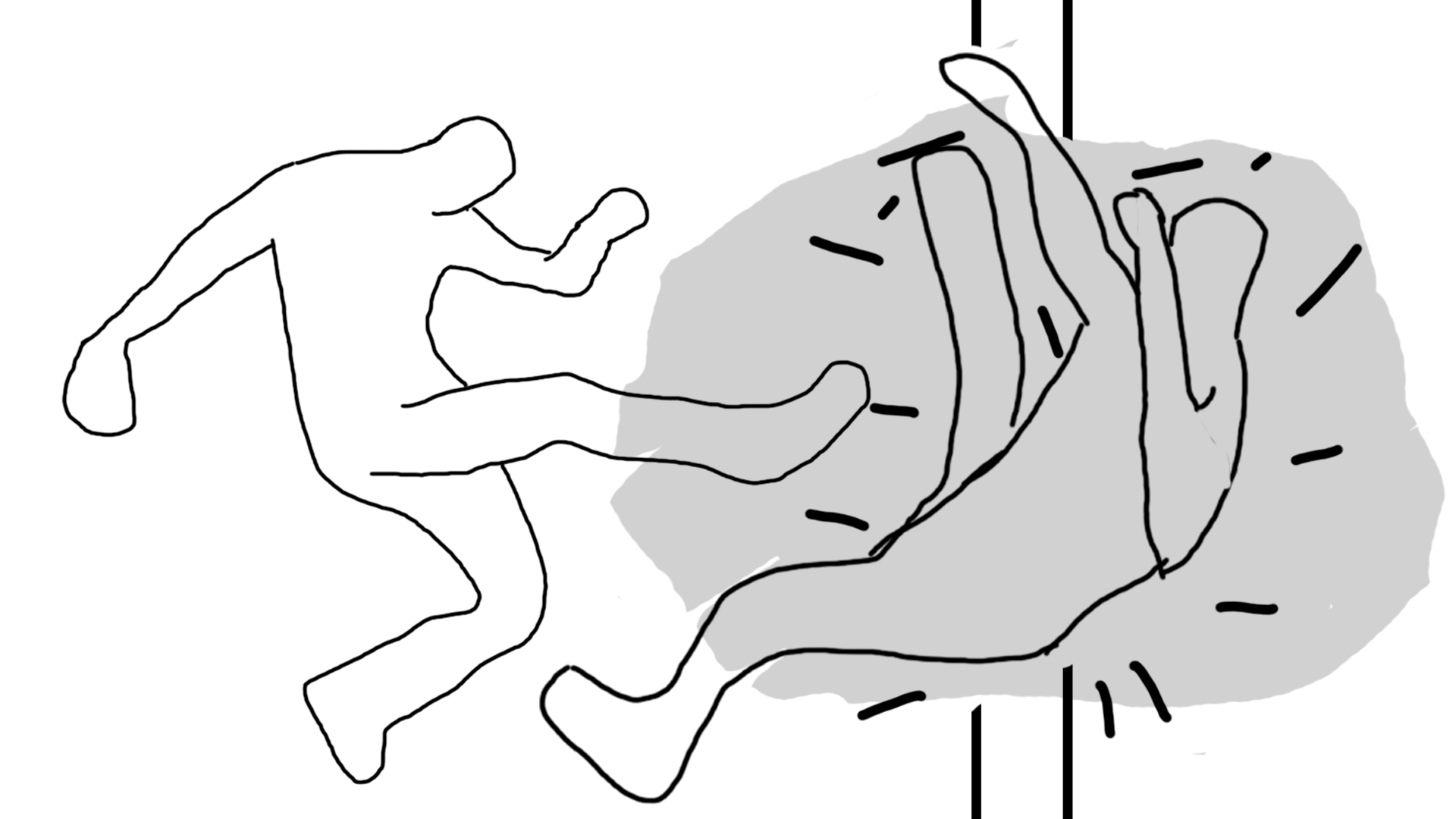
The first character follows up with another stronger kick that launches the second character through a wall.

Medium Long Shot

VFX: Dust particles from the wall breaking.

Shot 14 (3 Seconds)

The second character is weakened by this blow which allows the first character to menacingly walk towards them.

POV Shot (Second Character)

Shot 15 (5 Seconds)

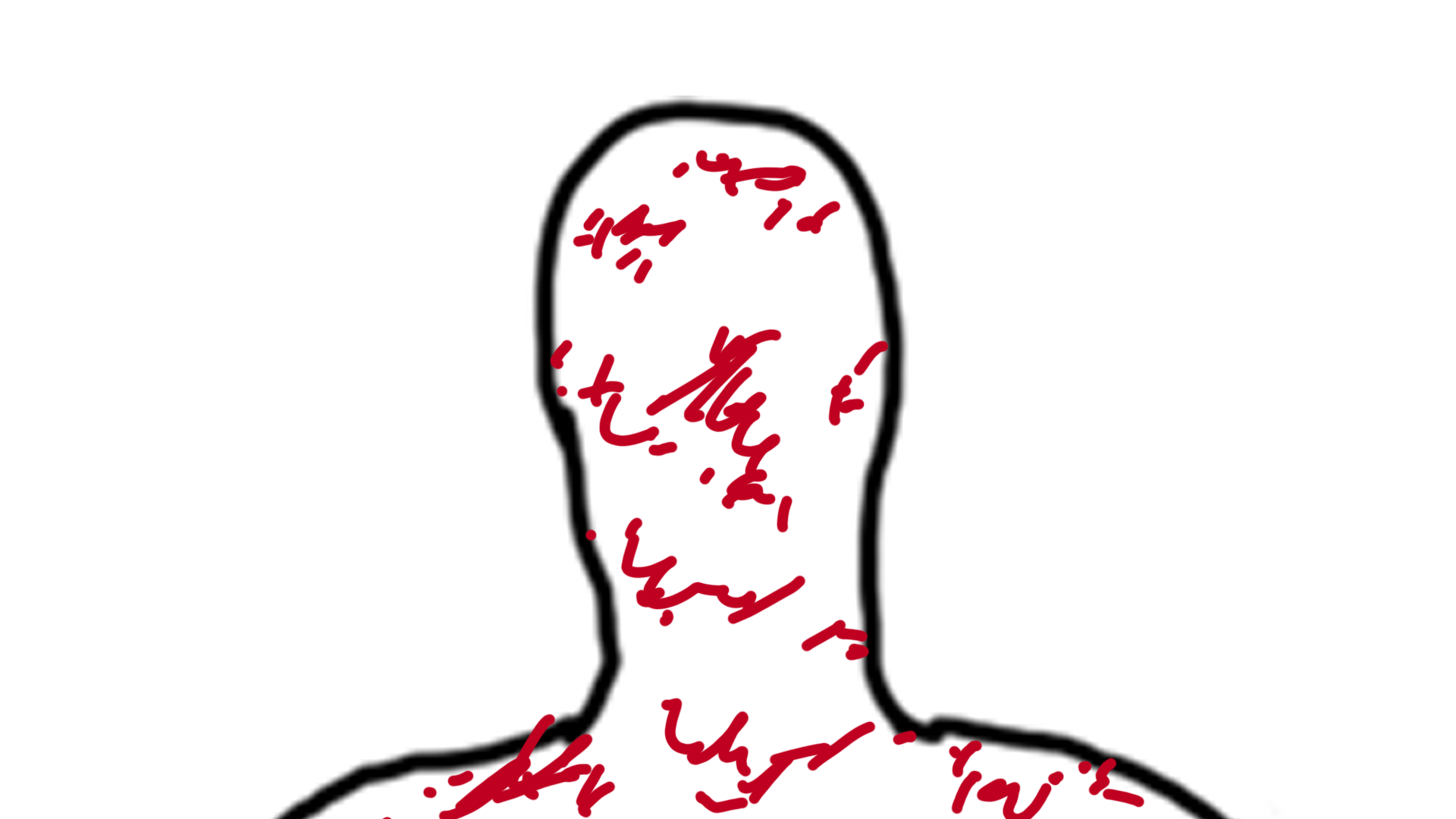
The first character uses their strength to crush the second character’s head.

POV Shot (First Character)

VFX: Blood spurt from the crushed head.

Shot 16 (5 Seconds)

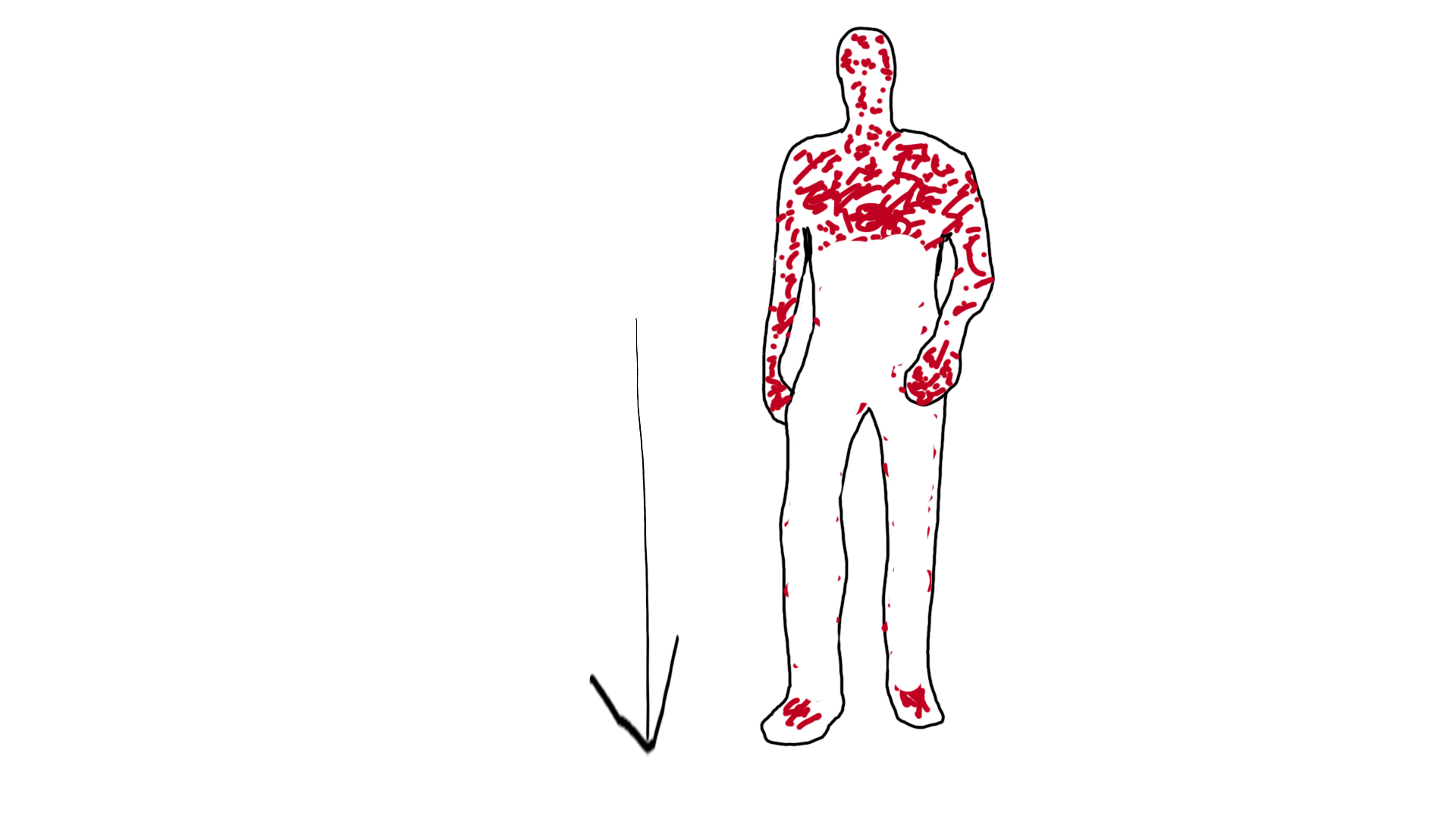
The first character walks back out into the street covered in blood.

Long Shot

Shot 17 (2 Seconds)

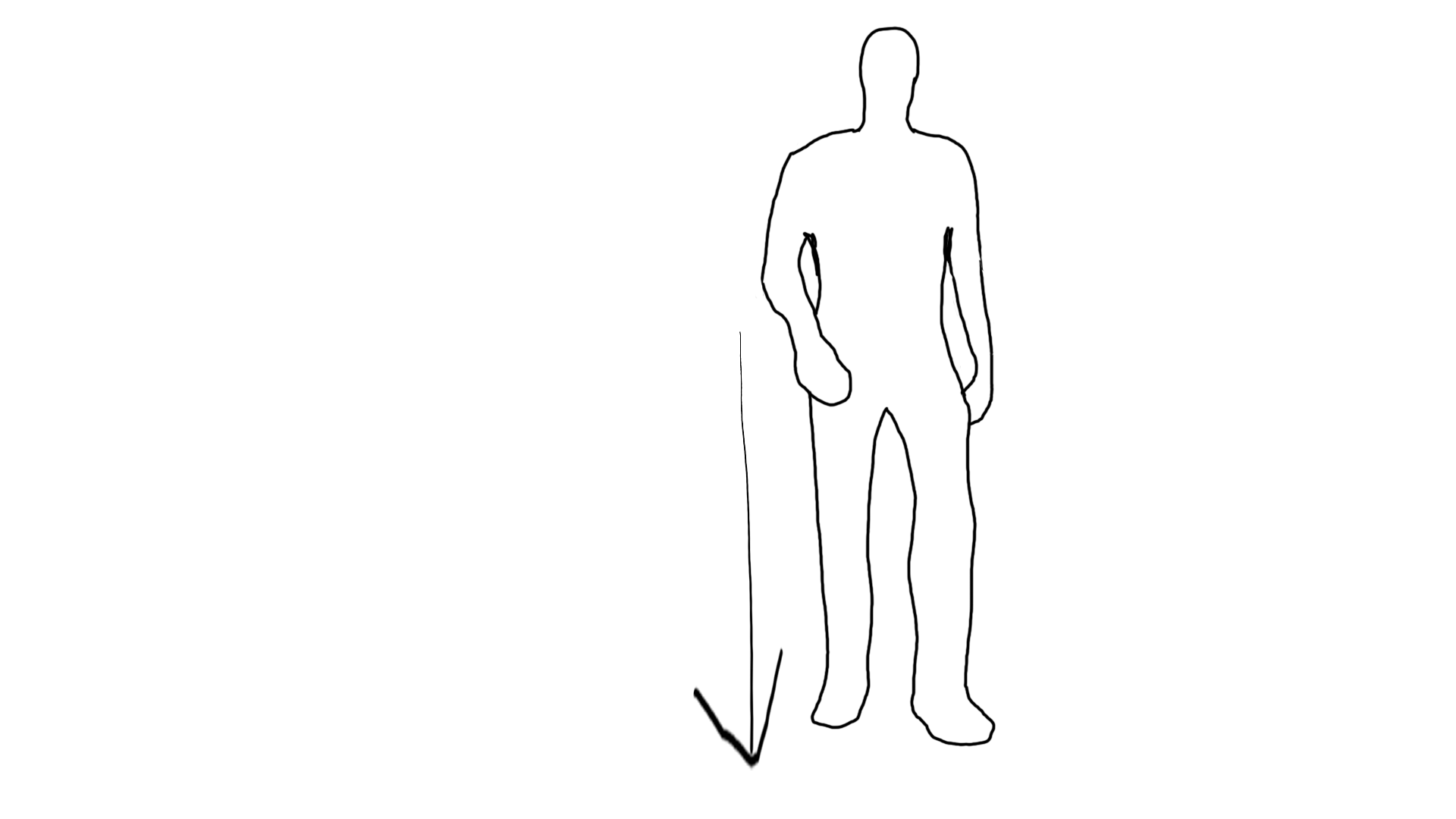
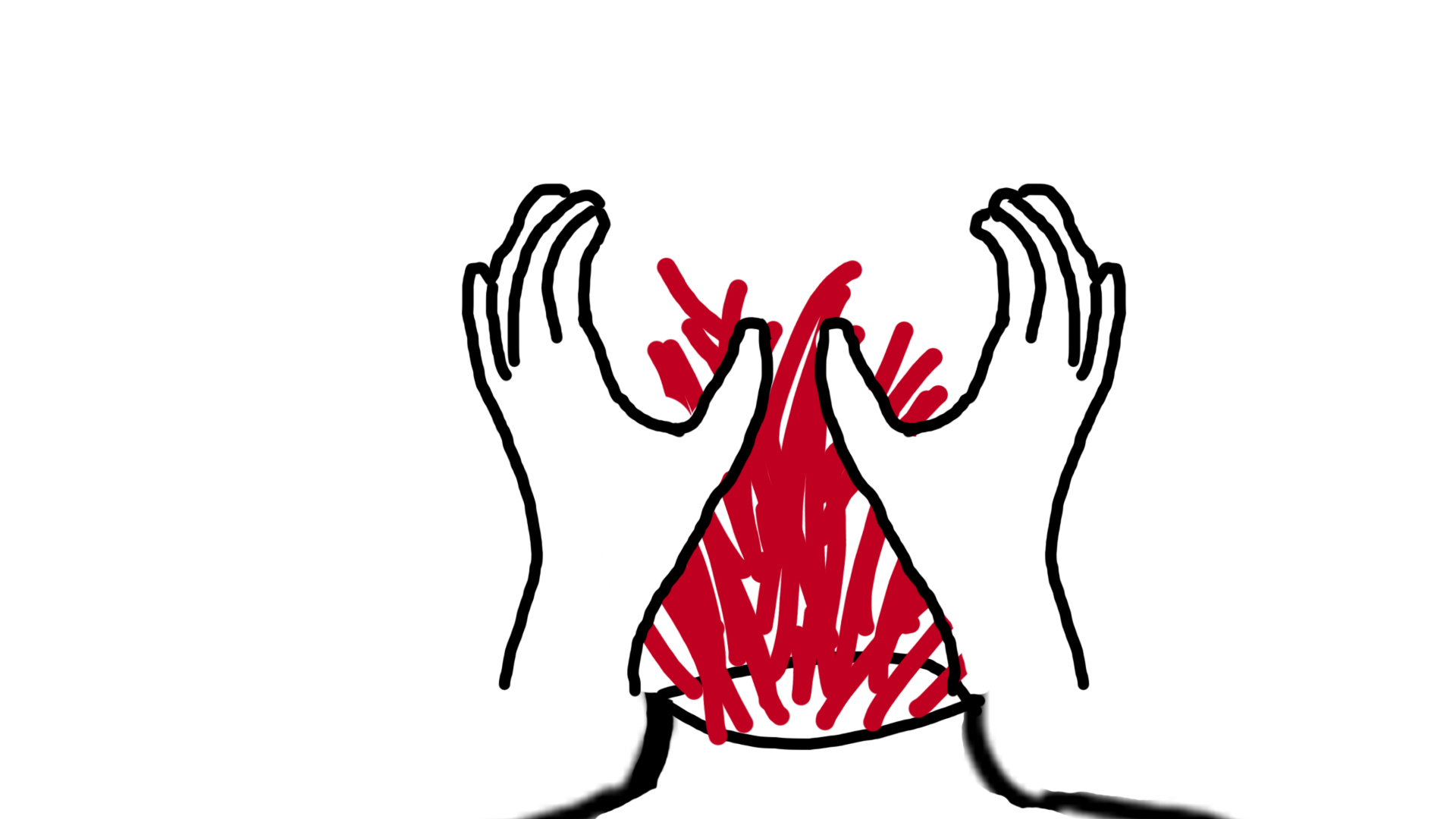
The first character stops up close to the camera with their eyes closed and opens them as the piece ends.

Big Closeup Shot

Animatic

Music and images used in the animatic are referenced below.

References

Clipart Library (2019) Blood Splatter Png #1662483 [Image]. Available online: http://clipart-library.com/clipart/rcjr6yE5i.htm [Accessed 12/12/2022].

mrrap4food (2020) Mysterious Music (Who are you Super Hero?) [Audio File]. Available online: https://freesound.org/people/mrrap4food/sounds/501111/ [Accessed 13/12/2022].

Smith C (2017) Selective Focus Photography of Fire Photo [Image]. Available online: https://unsplash.com/photos/uNsl7UOr_Ec [Accessed 12/12/2022].

Smith, C (2018) Red Fire Digital Wallpaper [Image]. Available online: https://unsplash.com/photos/BdTtvBRhOng [Accessed 12/12/2022].

VFX and Post Production 1: Overview

Description

The basic premise of my piece is that two superpowered individuals fight in a city street causing major damage to the surroundings until one of them is brutally killed. One of the characters will be a Superman-type individual with the ability to fly, super strength and laser eyes while the other will be more of an ‘ninja’ type relying more on technique rather than raw strength although they will still have super strength and superhuman reflexes. I will develop this in Unreal Engine allowing me to make use of the knowledge I already have with the sequencer tools in the engine while allowing me to gain experience with the Niagara particle system which I will utilise for at least some of the visual effects within my piece.

It will begin with the first character flying into an urban street finding a squad of soldiers that he quickly dispatches using his laser eyes before the second character arrives. The two characters will at first trade blows showing that they are mostly equally matched. Eventually, the second character will be launched through a wall into a building and be left in a vulnerable state. The first character will take advantage of this by picking up the second character who will struggle as his head is crushed by the first character. The final shot will be the second character slowly walking out of the building completely covered in blood.

Inspiration

My main source of inspiration for this piece is the TV show The Boys as I decided while developing my idea that I wanted it to be quite brutal and bloody but not necessarily realistic in how it displays this which is a main component of The Boys as an experience. A specific fight from the show is shown in the video below. This fight displays something similar to what in I want to create in the characters just go at each other with no care for the environment.

Another scene from the show that I wish to draw inspiration from is this scene below. The main thing I would draw inspiration from in this scene is the use of a close up shot on Homelander to show his mental state/emotion and how he reacts to it. Realistically, I won’t be able to emulate a scene of this nature but I want to use at least a shot similar to this to show when the first character of my piece uses his laser eyes ability.

References

Amazon Prime Video UK (2022) That Scene When Homelander Has A Meltdown And Kills Everyone | The Boys | Prime Video [Video]. Available online: https://youtu.be/yZ1egVORfn0 [Accessed 7/12/2022].

Prime Video (2022) Homelander vs. The Butcher and Soldier Boy | The Boys Clip | Prime Video [Video]. Available online: https://youtu.be/Rsjo7NQW0-E [Accessed 5/12/2022].

Major Project 5: Project Management

Team Communication:

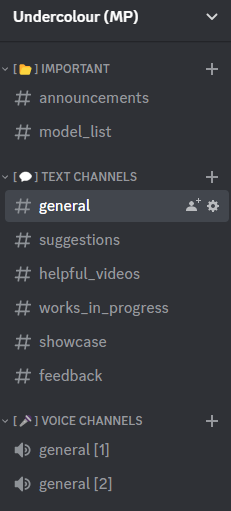
We used various different communication methods while developing our project and the early prototype. This was to make sure every member of our team knew what they had to work on in these early stages as well as discussing the work we would have to down the line. Our main method of communication was Discord as we created a discord server specifically for our project. However, we haven’t regularly used this as we were working on the prototype or early design work. When we get into full development, this will be fully utilised as it will help us keep track of the progress of each member more effectively.

Examples of the Channels in our Discord Server (Subject to change)

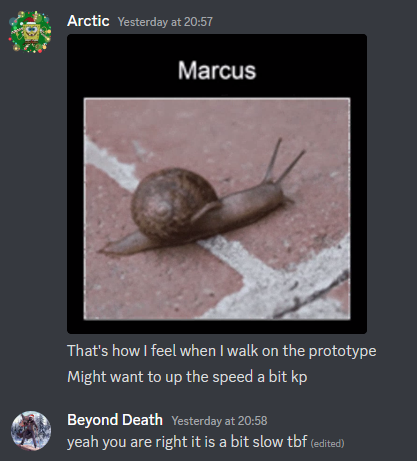
Despite not using the Discord server prominently, we used direct messages on Discord to give feedback on parts of out project. A specific example is feedback I received on the player walking speed within our project prototype as the player was quite slow which could impact the player’s enjoyment.

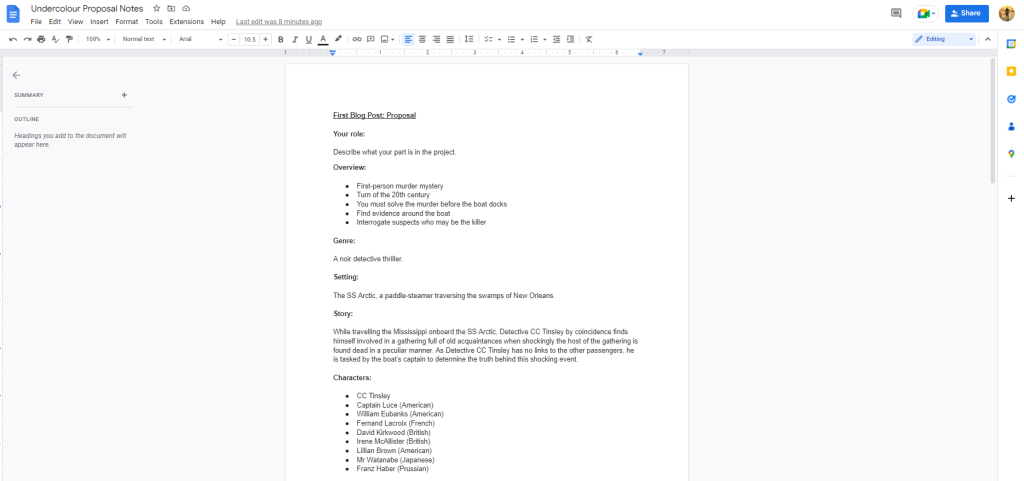
In this early stage, we used Google Drive and in person discussions to develop our ideas for the project. Google Drive was useful as it allowed to create documents to make sure all members of the team knew what the project idea was, have an early idea of the assets we would need and know what our plan is for the weeks ahead. Max (Level Designer) and I were the main contributors to the Google Drive documents with the other team members adding some input for parts of the documents. When we were together at University we would discuss parts of our project as well as the early pre-production work we were doing.

Our Google Drive document that outlined our proposal so each team member would have consistent information.

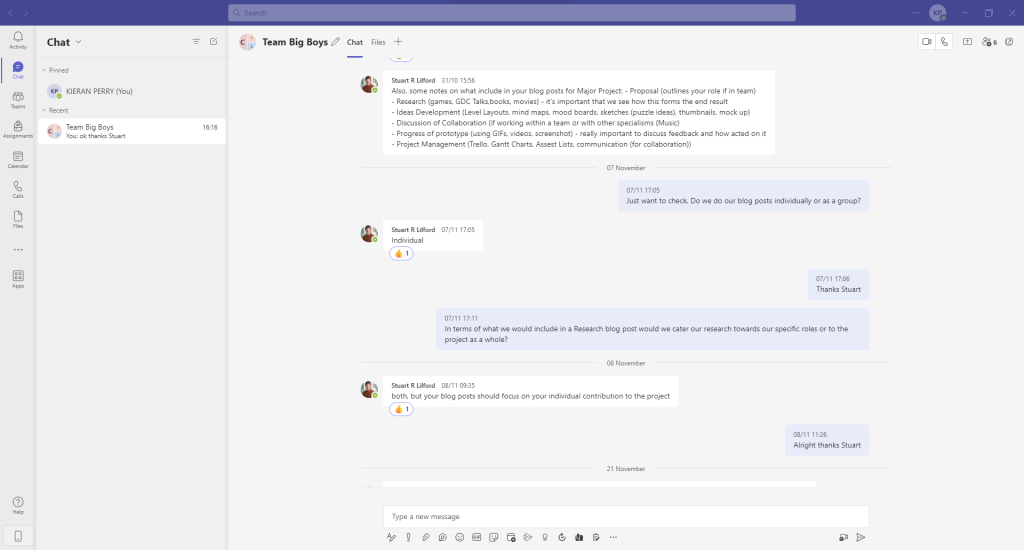
Microsoft Teams was another communication method we used. It was mainly used to communicate to our lecturers and to clarify any questions we had about our project proposal. To communicate within our team we didn’t really use this as our other communication methods were already acceptable for what we needed.

Asset List:

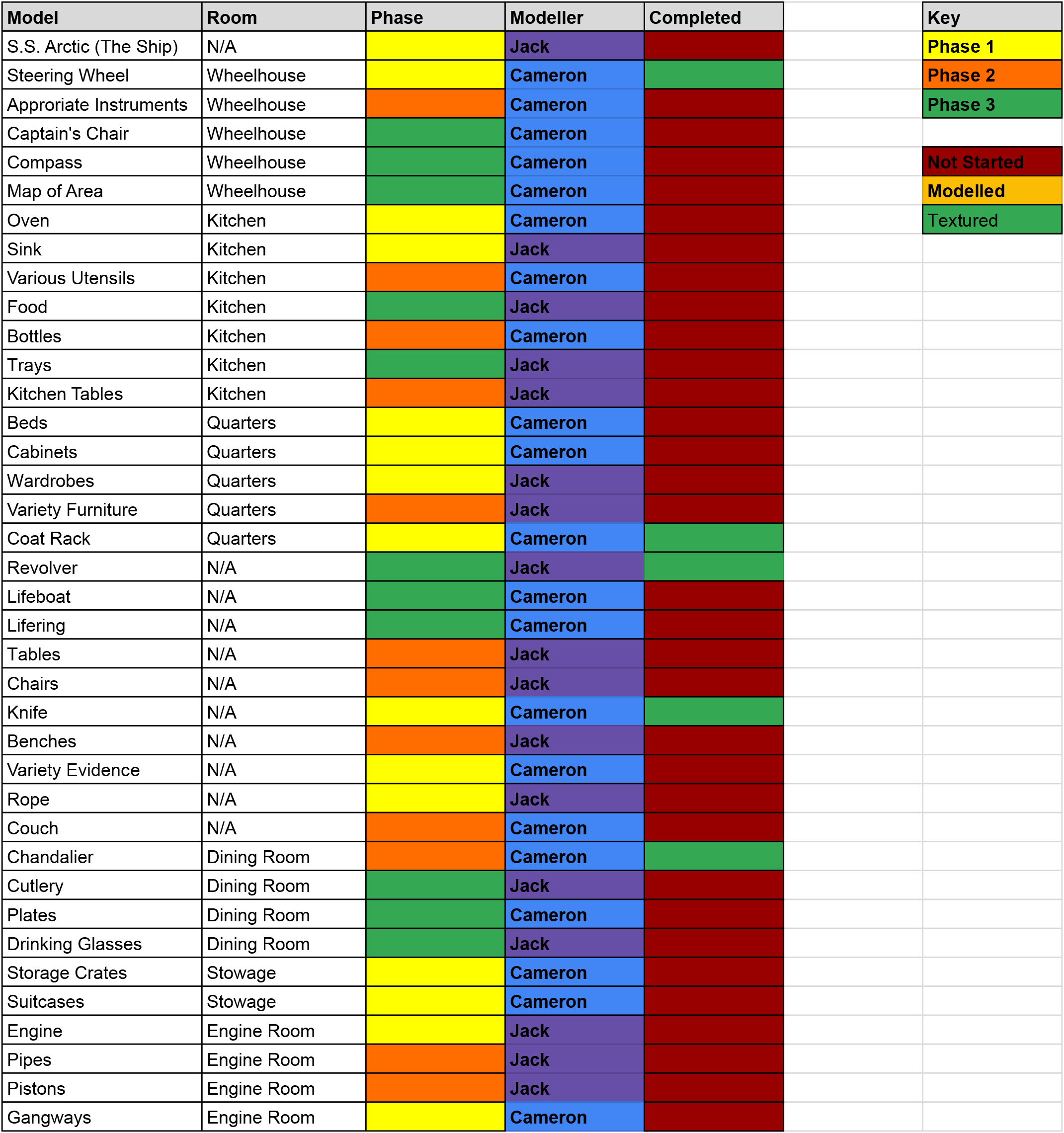
Using Google Sheets we made an early asset list for the 3D modellers. This allowed them to assign these models between themselves so they each had an acceptable amount to create. The models were put into different phases to describe their importance with Phase 1 being the most important models and Phase 3 being the least necessary. Although models didn’t need to be completed at this stage, some of the models were created to test different visual styles and to warm up the skills of the 3D modellers.

Project Plan:

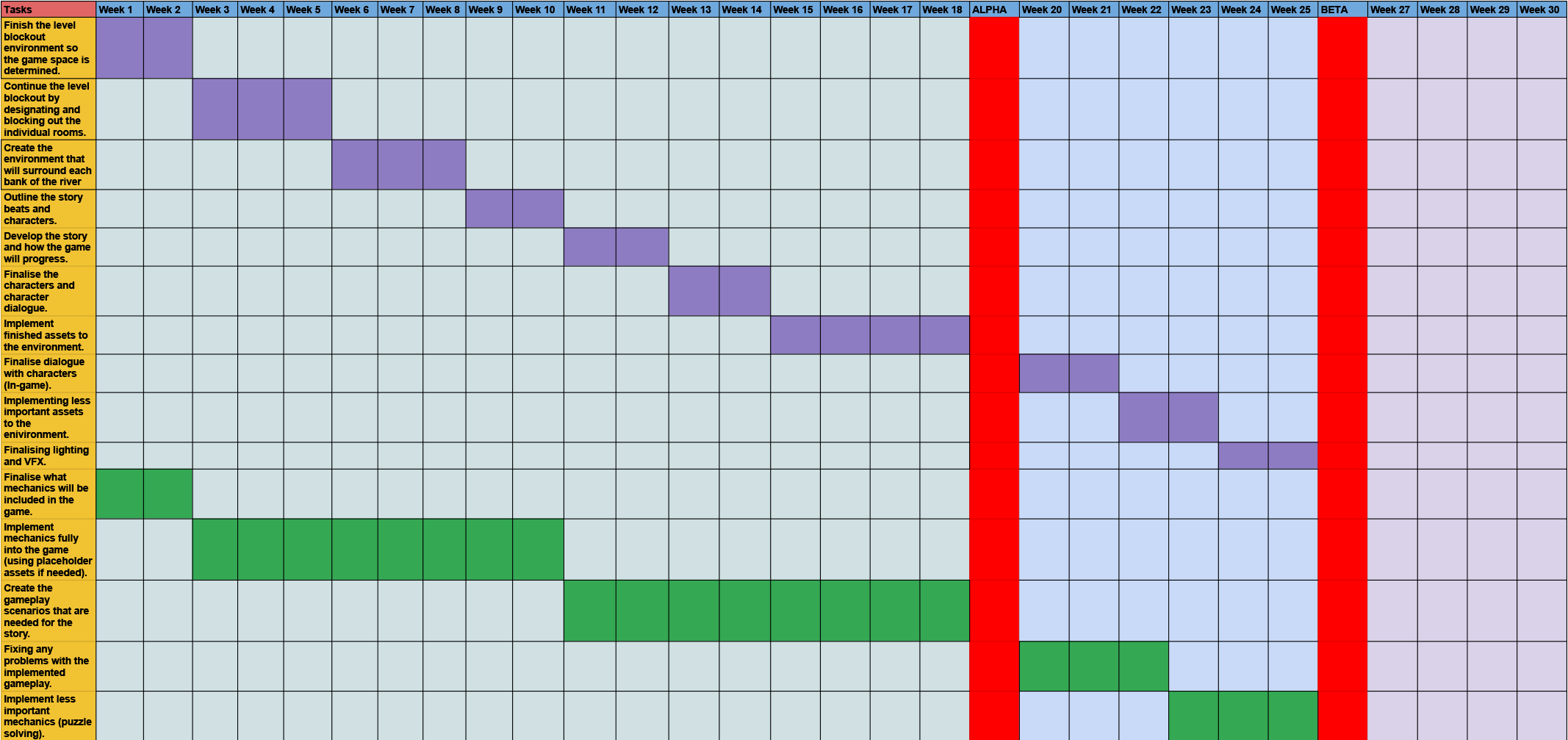
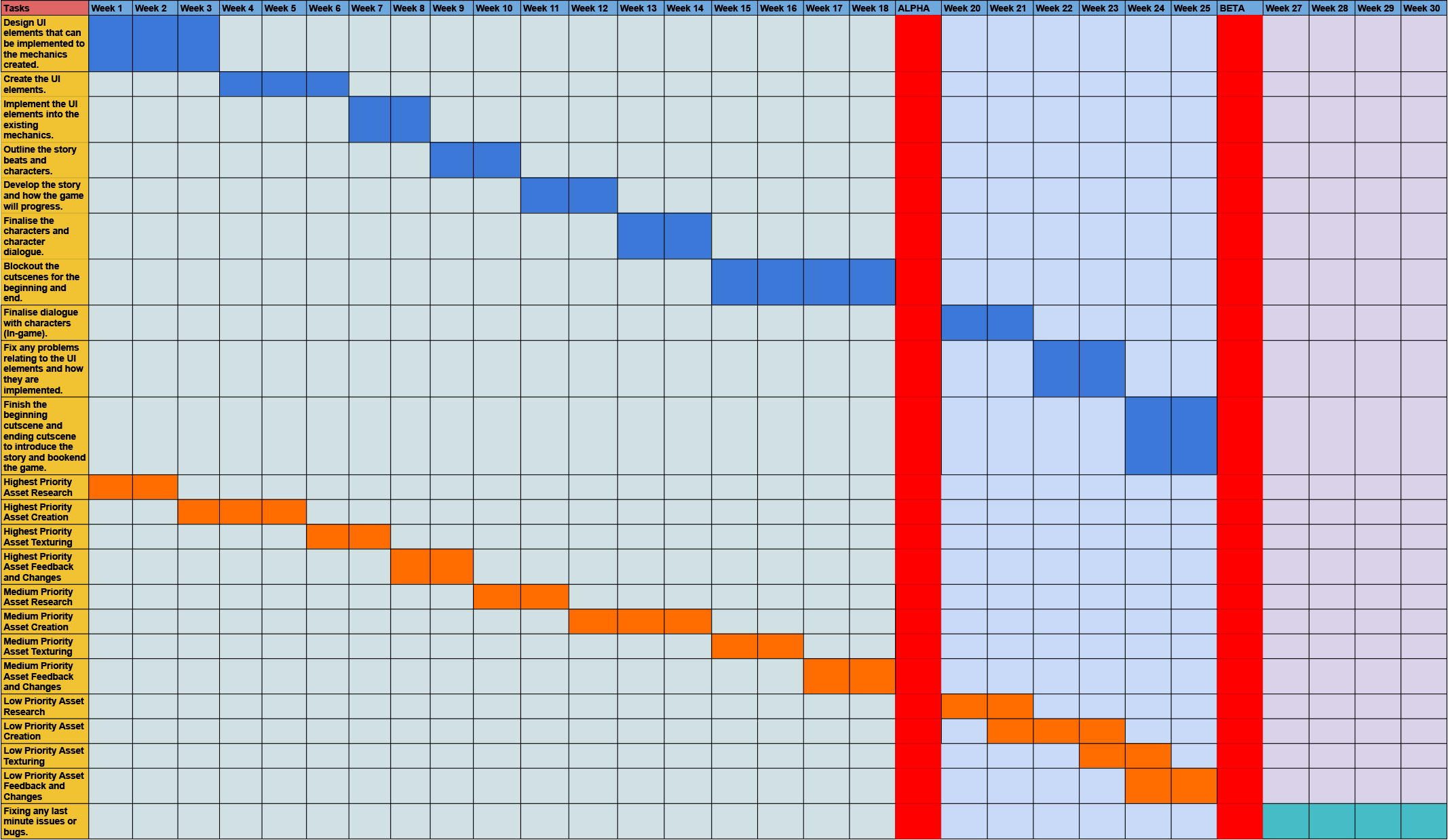
We also made a Gantt Chart using Google Sheets to show an early plan for how our project should progress after we have finished our proposal. The different roles within our team have different colours on the chart and it is separated into three sections representing the full development stage, alpha stage and beta stage. Max (Level Designer) is shown in purple, I (Programmer/Blueprinter) am shown in green, Lachlan (UI/UX Developer) is shown in blue and the 3D modellers (Cameron and Jack) are shown in orange.